![Logo Negativo-4.png]](https://help.ifreturns.com/hs-fs/hubfs/Logo%20Negativo-4.png?height=40&name=Logo%20Negativo-4.png)
This page is divided into 4 sections to better understand what can be change:
-
Return Origin Address
-
Recommended option return method
-
Default return method
-
“Choose method of transport” button
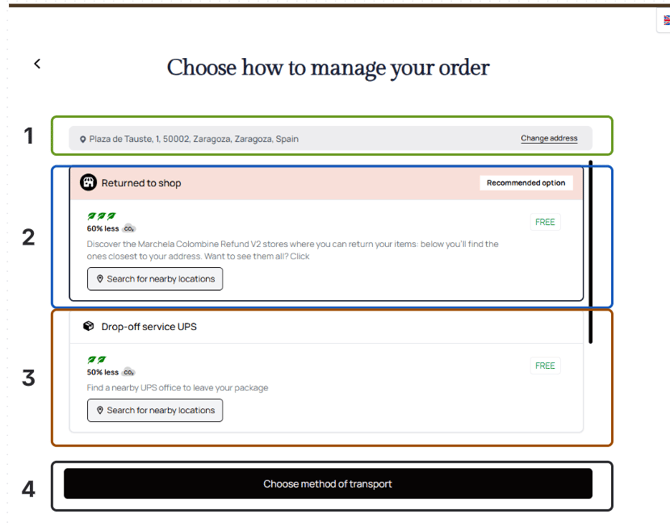
-
Let’s have a look on each section one by one and see in details what can be configured:
1.Return Origin Address

1. Address section text color: HEX
2.Address section background color: HEX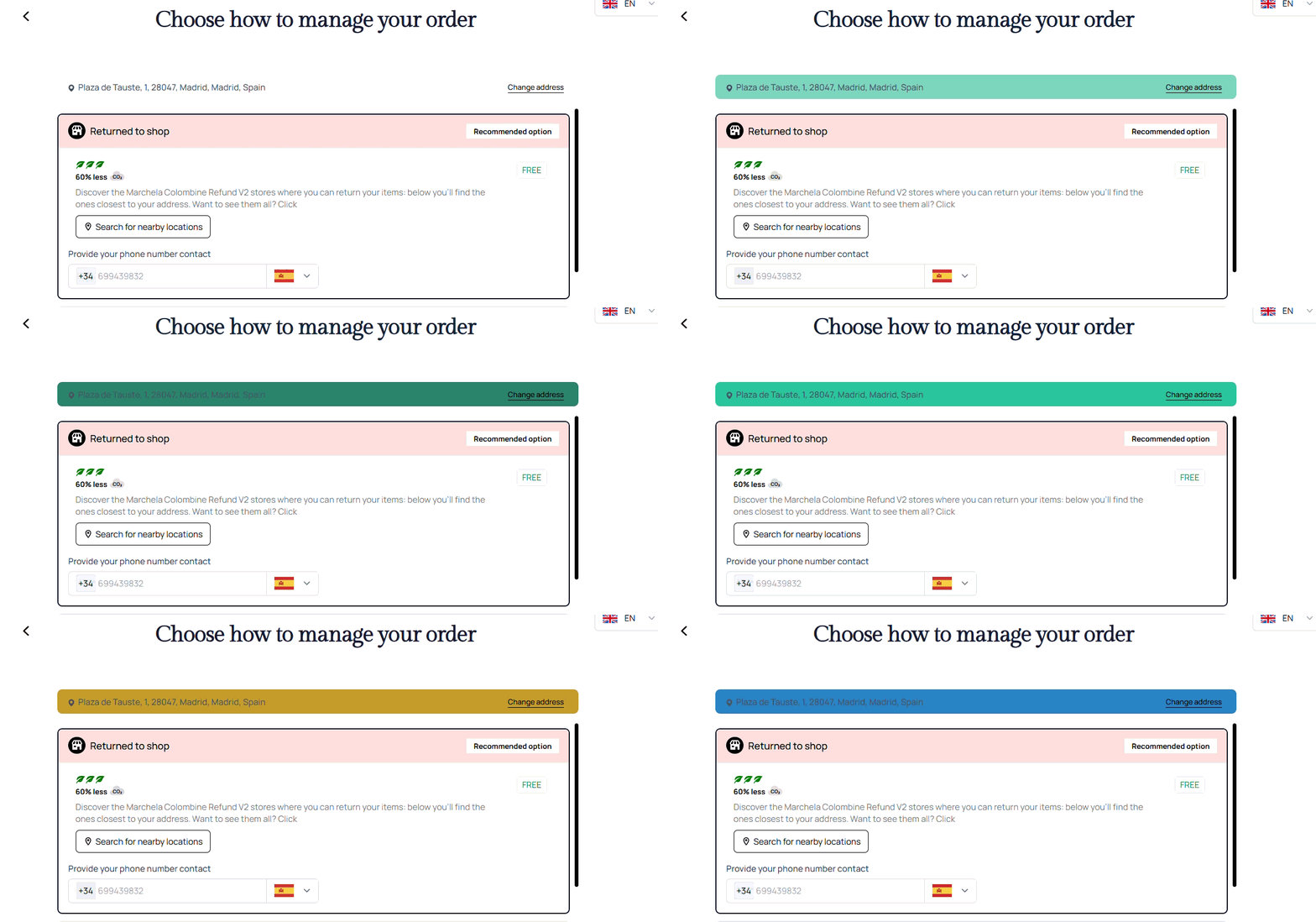
3. Button “Change Address”
- "Change Address" button background color: HEX

- “Change Address" button text color: HEX

-
"Change Address" button shadow: HEX
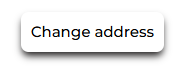
- "Change Address" button text decoration line: underline/none


2.Recommended option return method section
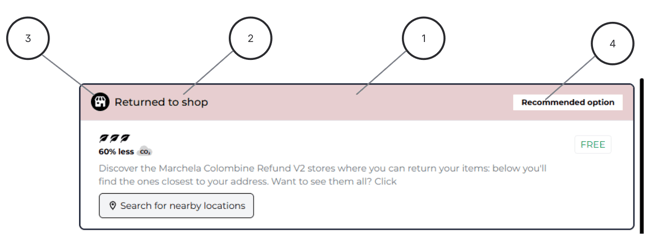
1. Header background color: HEX
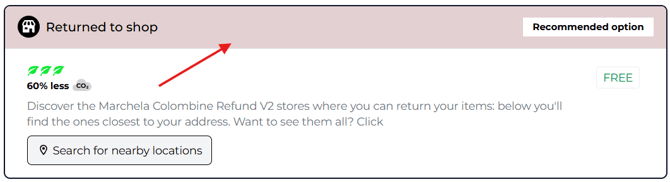
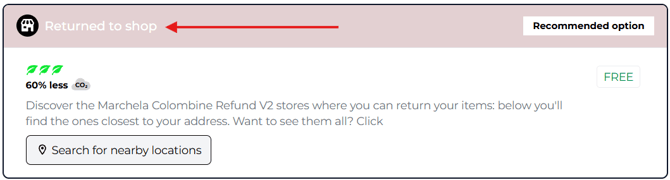
2. Header text color: HEX
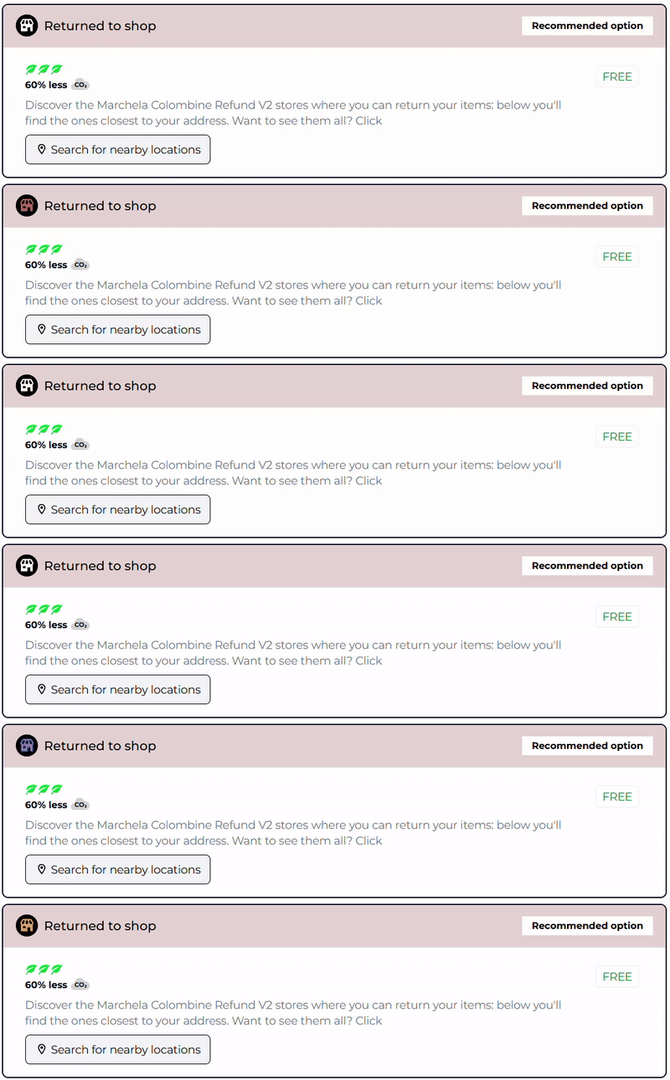
3. Icon
- Icon Background color: HEX
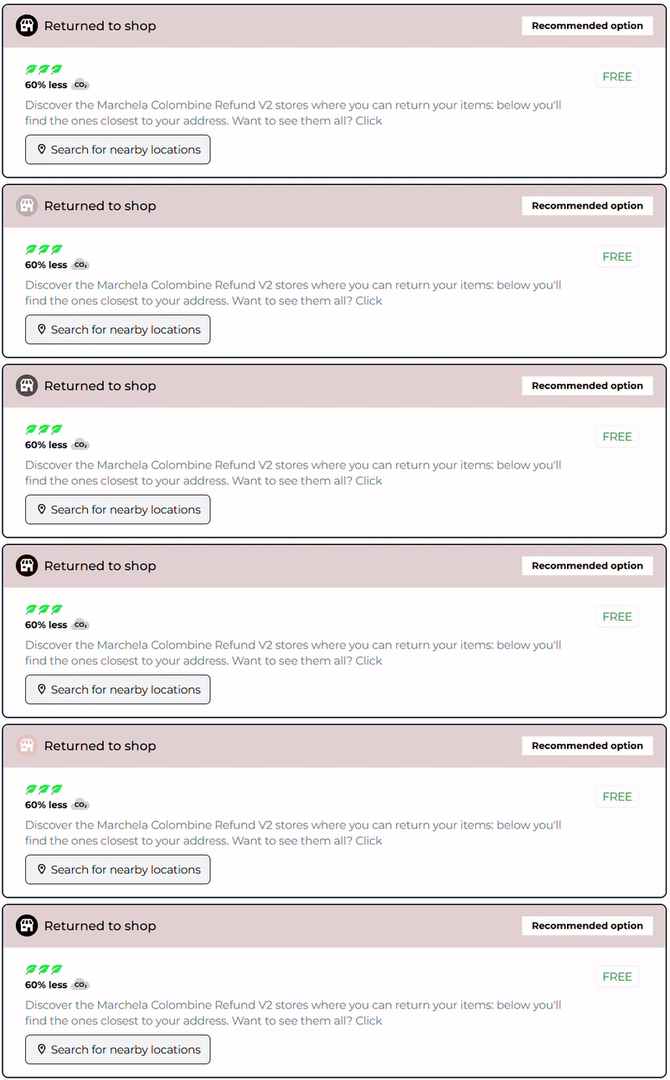
- Icon color: HEX
4. "Recommended option" tag:
- Background color: HEX
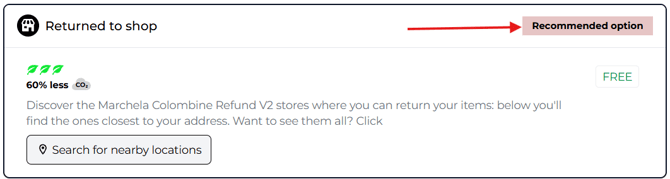
- Text color: HEX
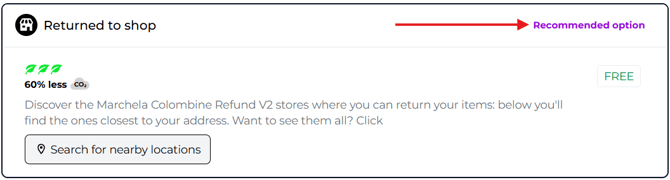
- Border radius: pixel number (0px)

3.Default return method
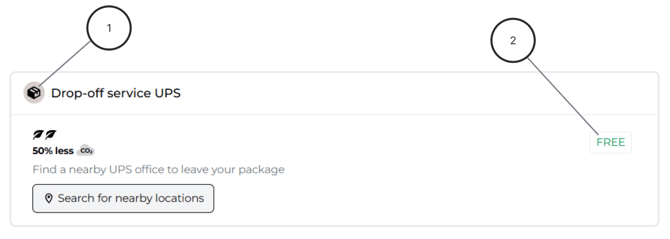
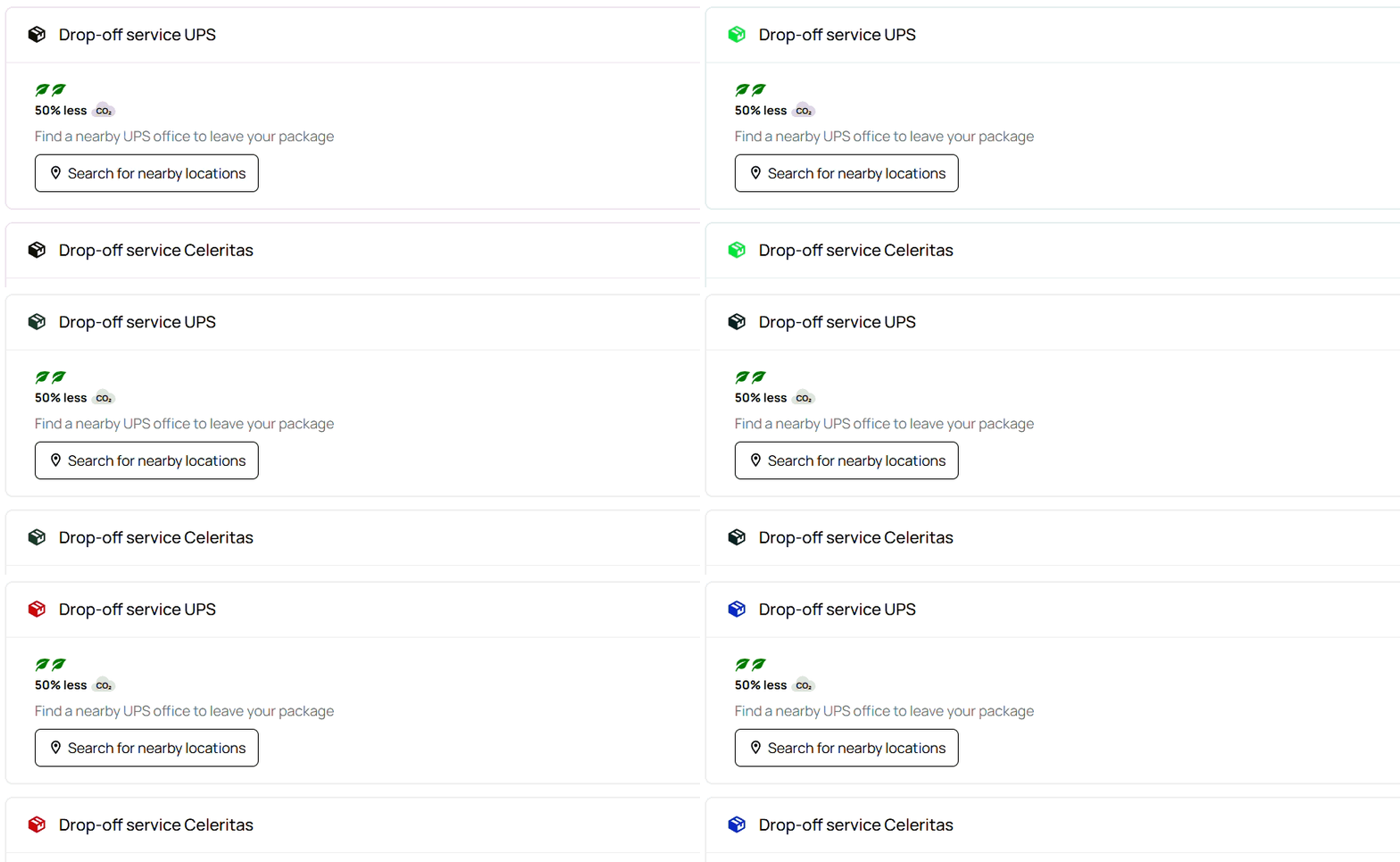
1. Icon
-
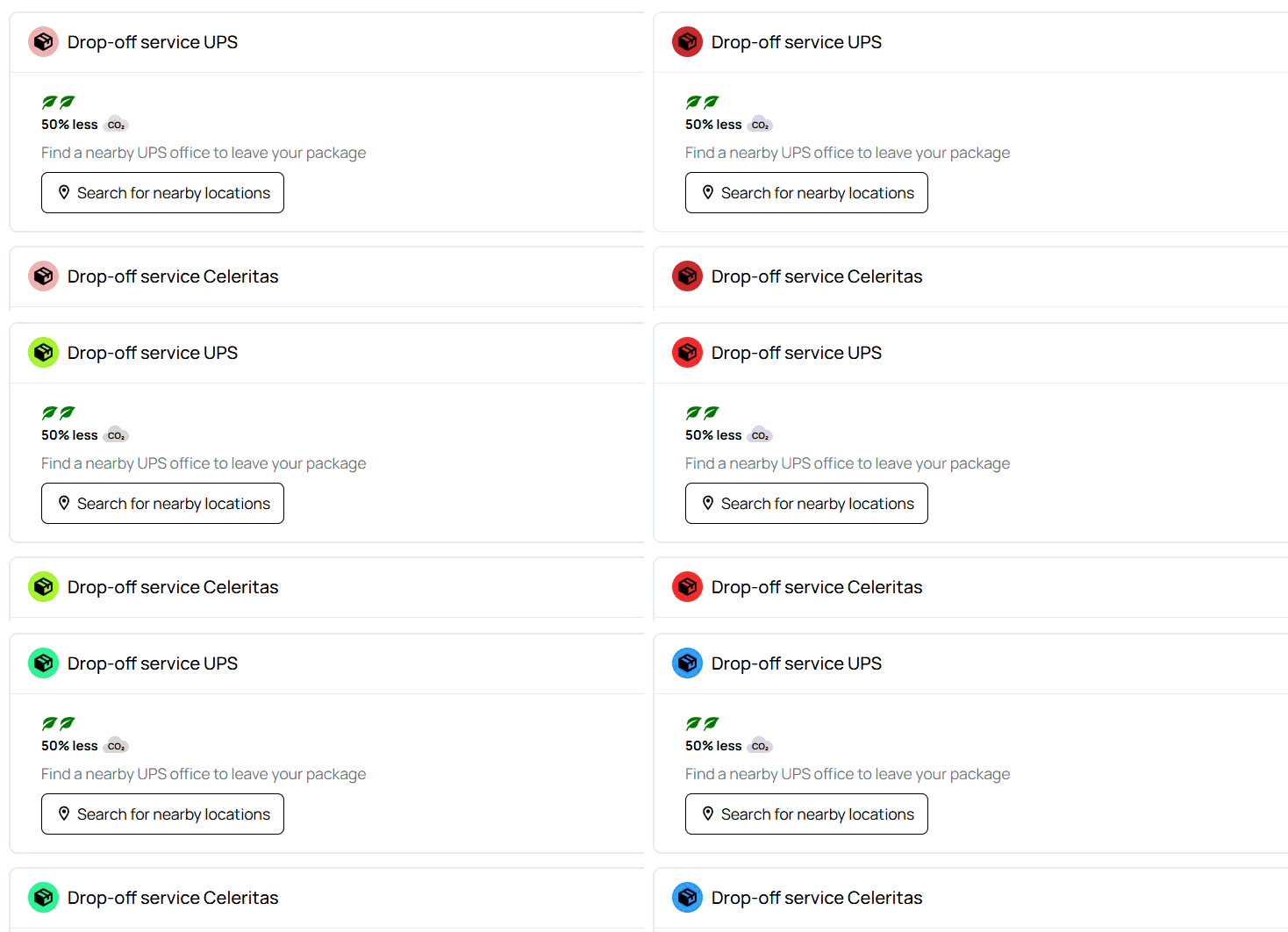
Icon background color: HEX
-
Icon color: HEX
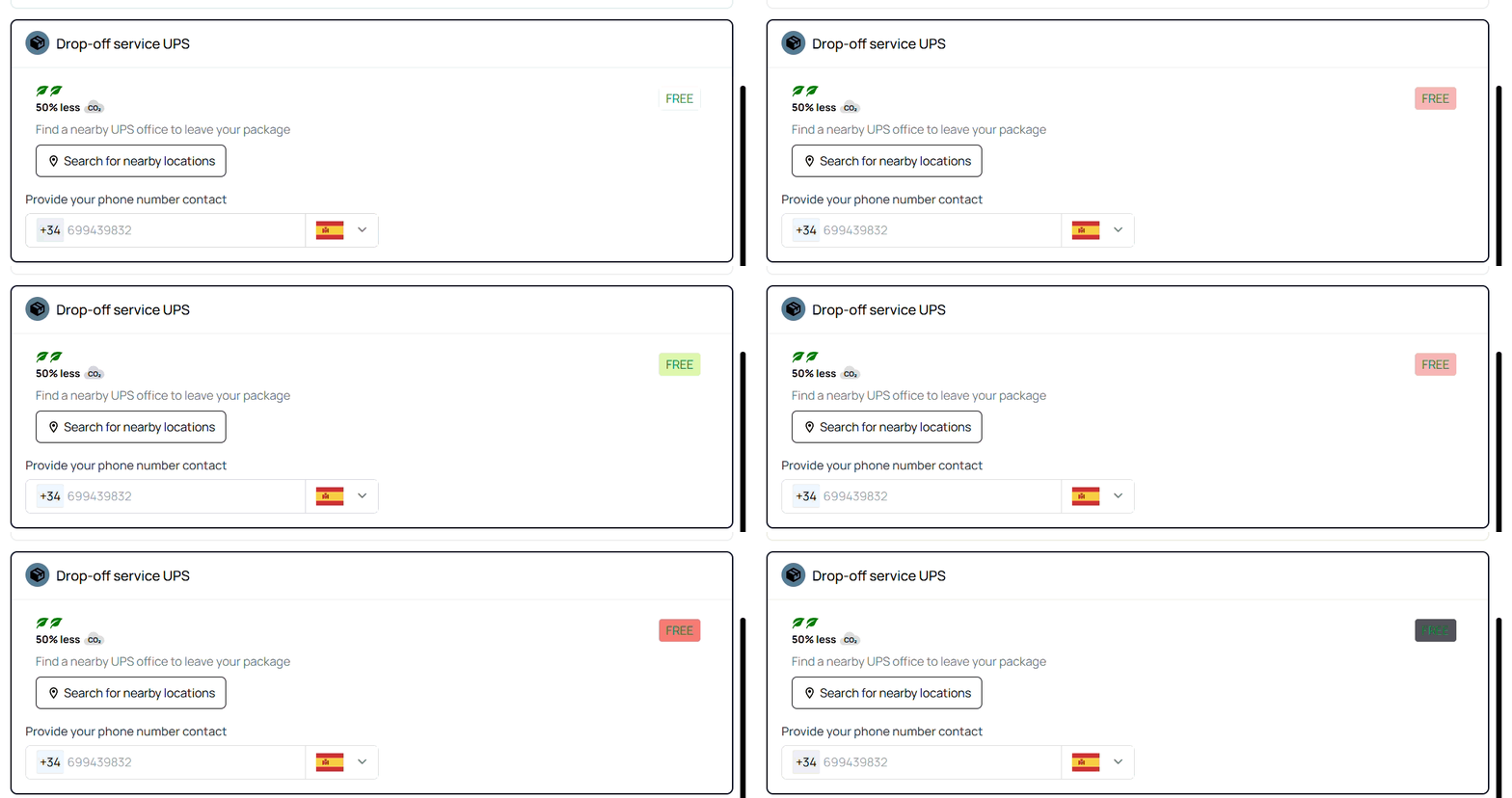
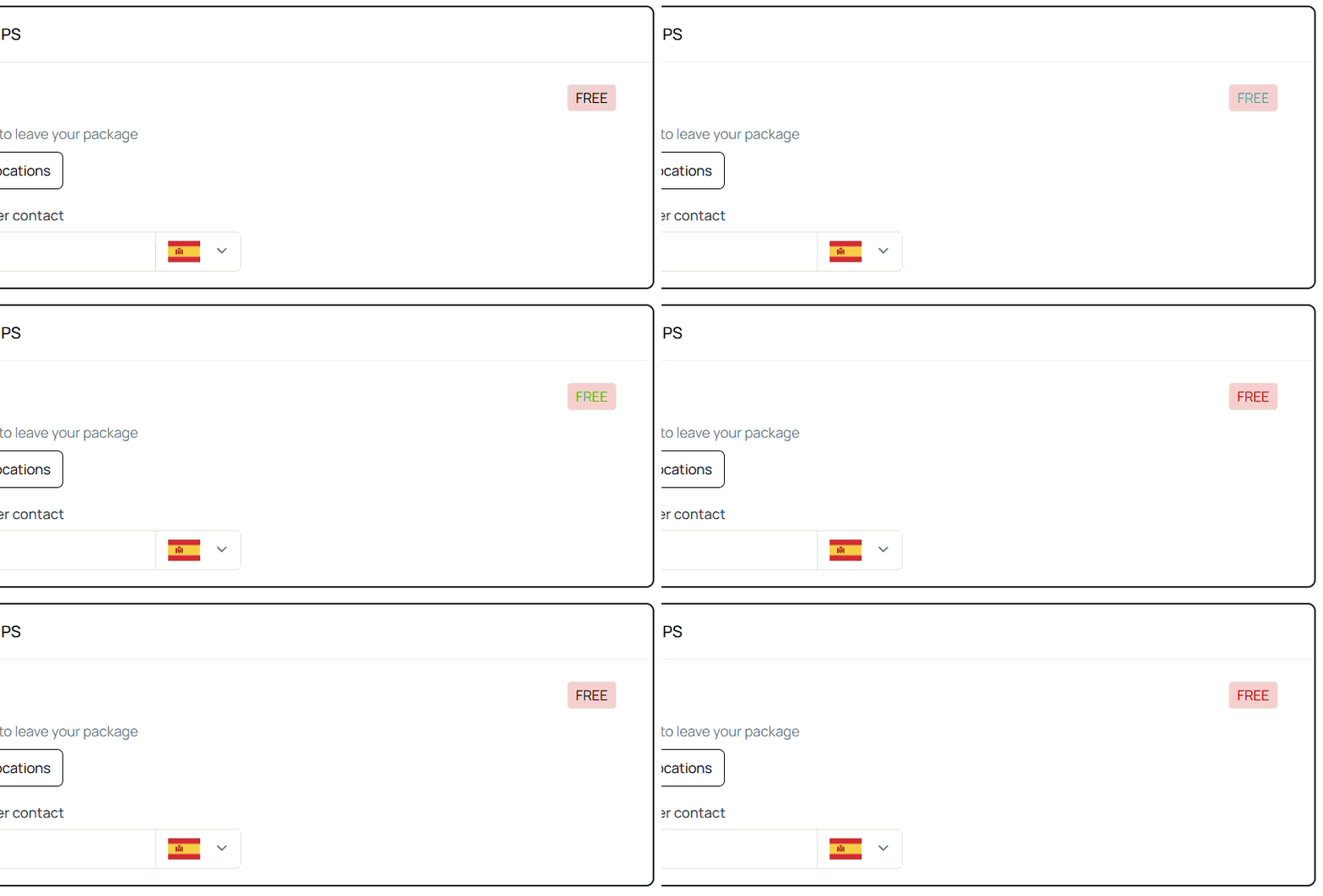
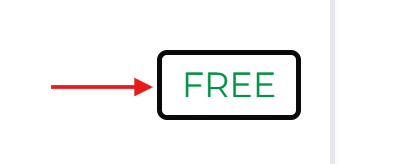
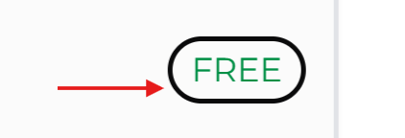
2. "Free" tag
-
Background color: HEX
-
Text color: HEX
-
Border color: HEX
-
Border radius: pixel number (0px)
-
Border width: pixel number (0px)

-
Font weight: 100-900

4.“Choose method of transport” button
-
No configurations yet