![Logo Negativo-4.png]](https://help.ifreturns.com/hs-fs/hubfs/Logo%20Negativo-4.png?height=40&name=Logo%20Negativo-4.png)
General page
In general page clients can configure changes that will be applied in all pages. Some of them are:
- General page background color -> allows to change the background color that will apply in all pages
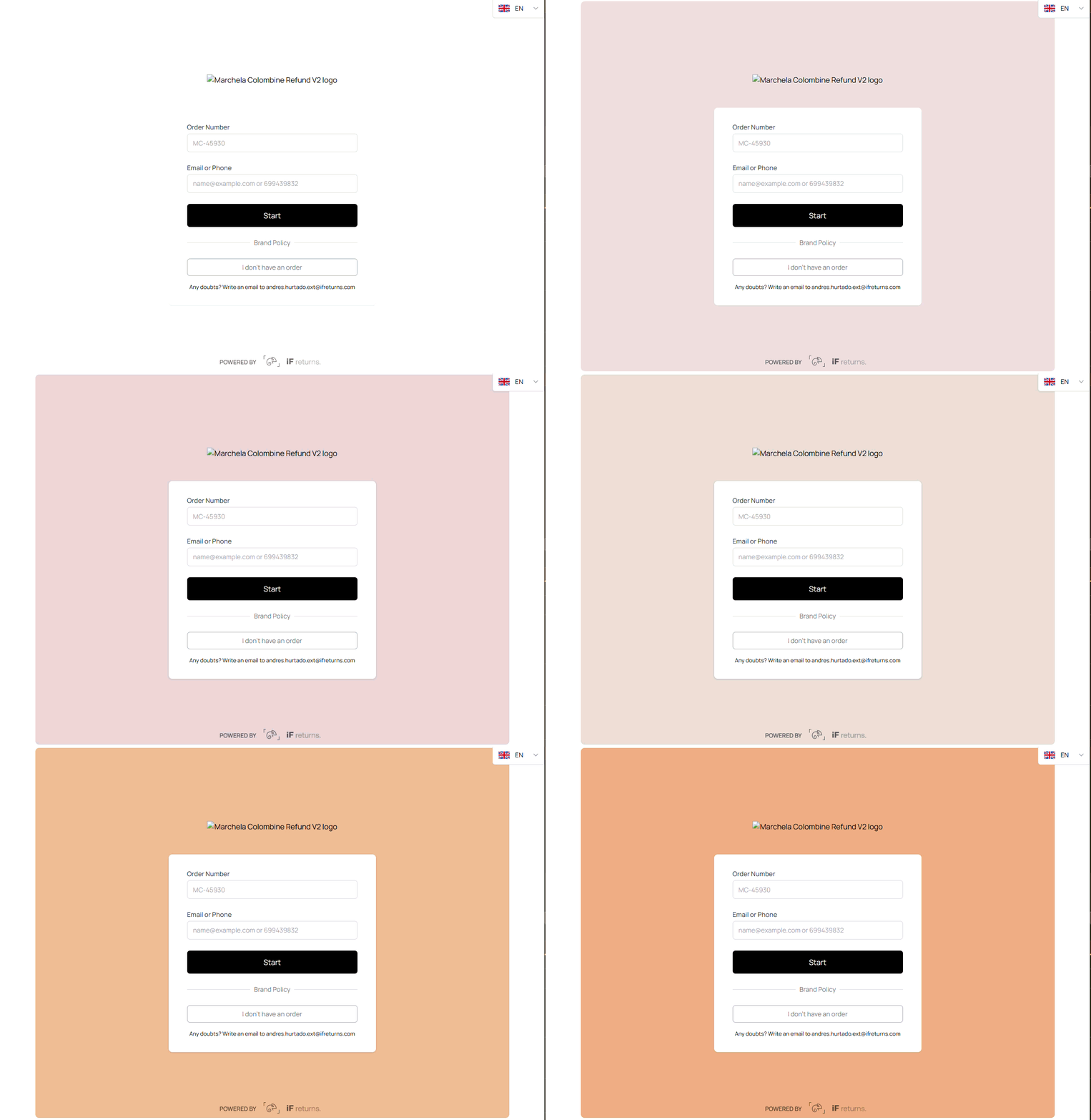
- general-container-box-shadow
- general-container-max-width
- general-container-height-desktop
- general-container-width-desktop
- general-container-width-2xl
There are other pages you can customize:
Return methods page
It is a page where customers select return methods
What you can customize?:
- Background color,
- Text color
- Buttons
- Icons
Product selection page
It is a page where customers can select products to return
- Product selection page offers clients to customize the following parameters:
Product selection message customization
It is a message that appears on top on the first page on Product selection page.
- Warning icon -> clients can request to hide or display it
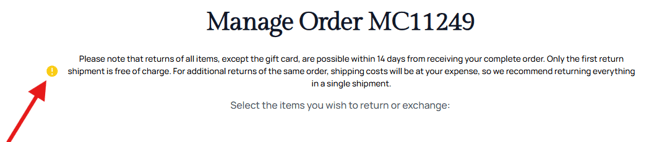
- FAQ icon -> clients can request to hide or display it

- Warning background color -> clients can ask to change the color of background warning block
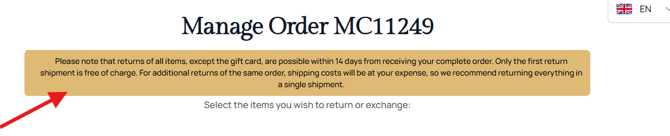
- Warning text color -> clients can ask to change the color warning message

- Warning text font size -> clients can ask to change the font size
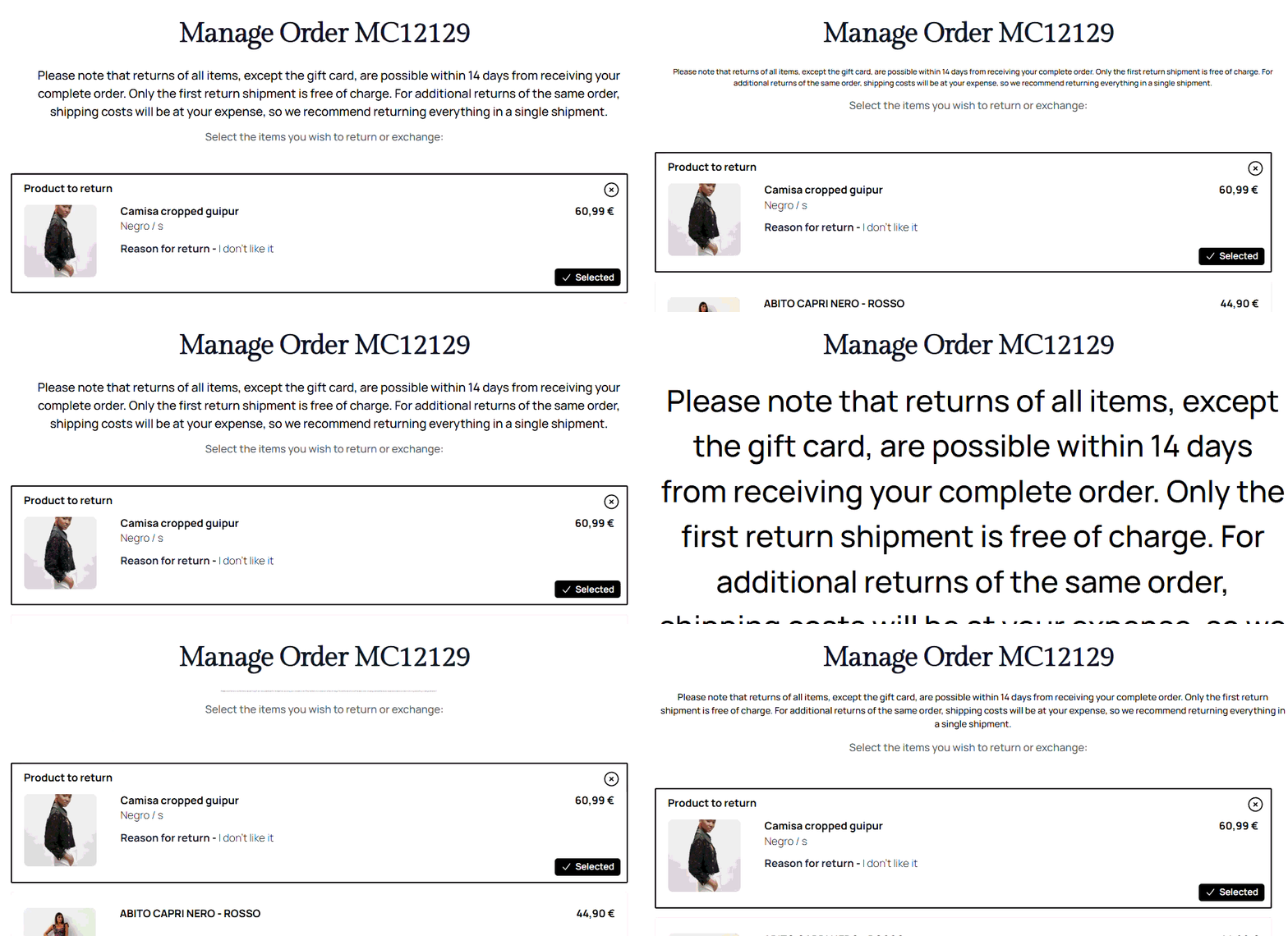
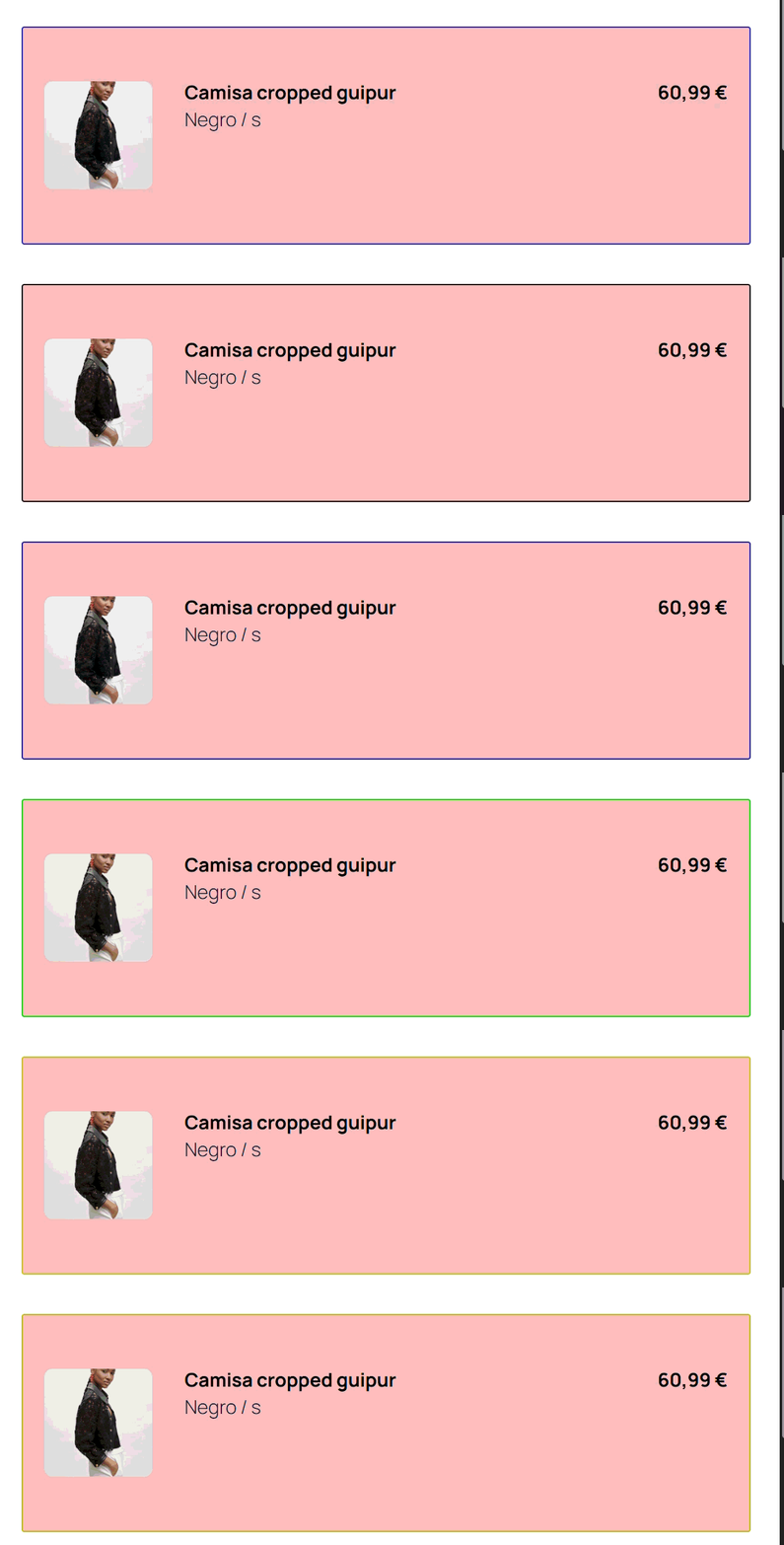
Product selection product item container
- Change product item background color -> allows to change the background color of items sections
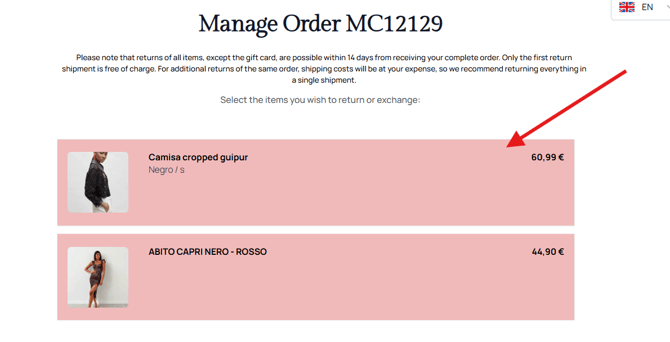
- Change product item border color -> allows to change the border color of items sections
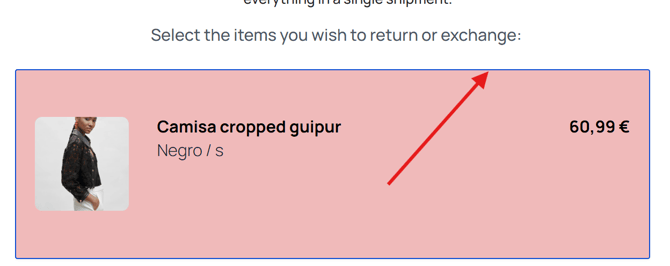
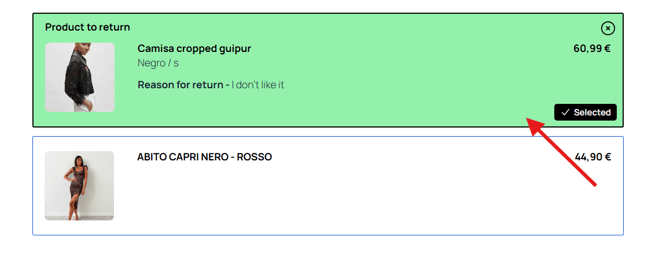
- Change product item background color of selected items -> allows to change the background color of item that was selected.
NOTE: Don't confuse with a non selected item and already selected item.
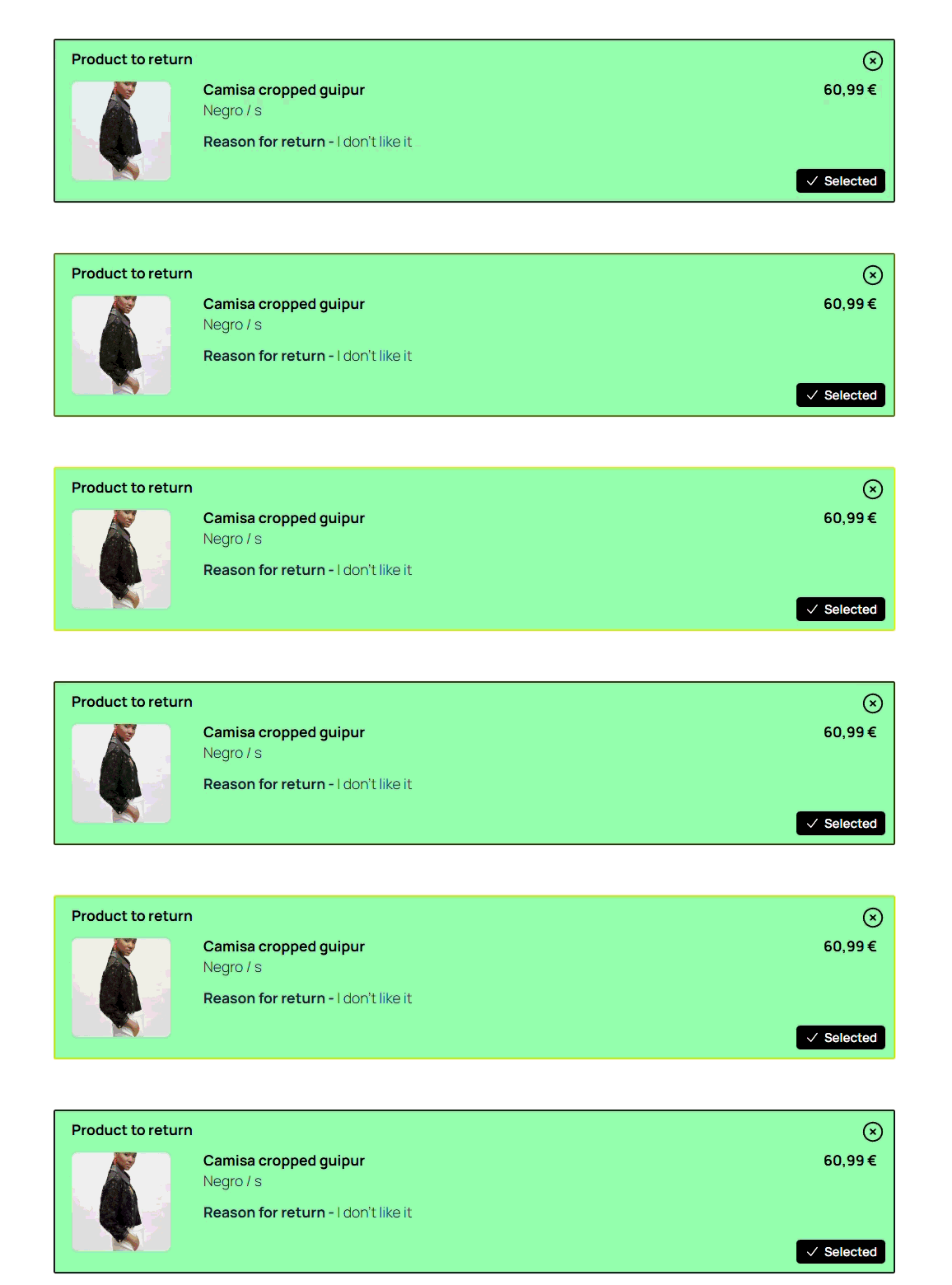
- Change product item border color of selected items -> allows to change the background color of item that was selected.
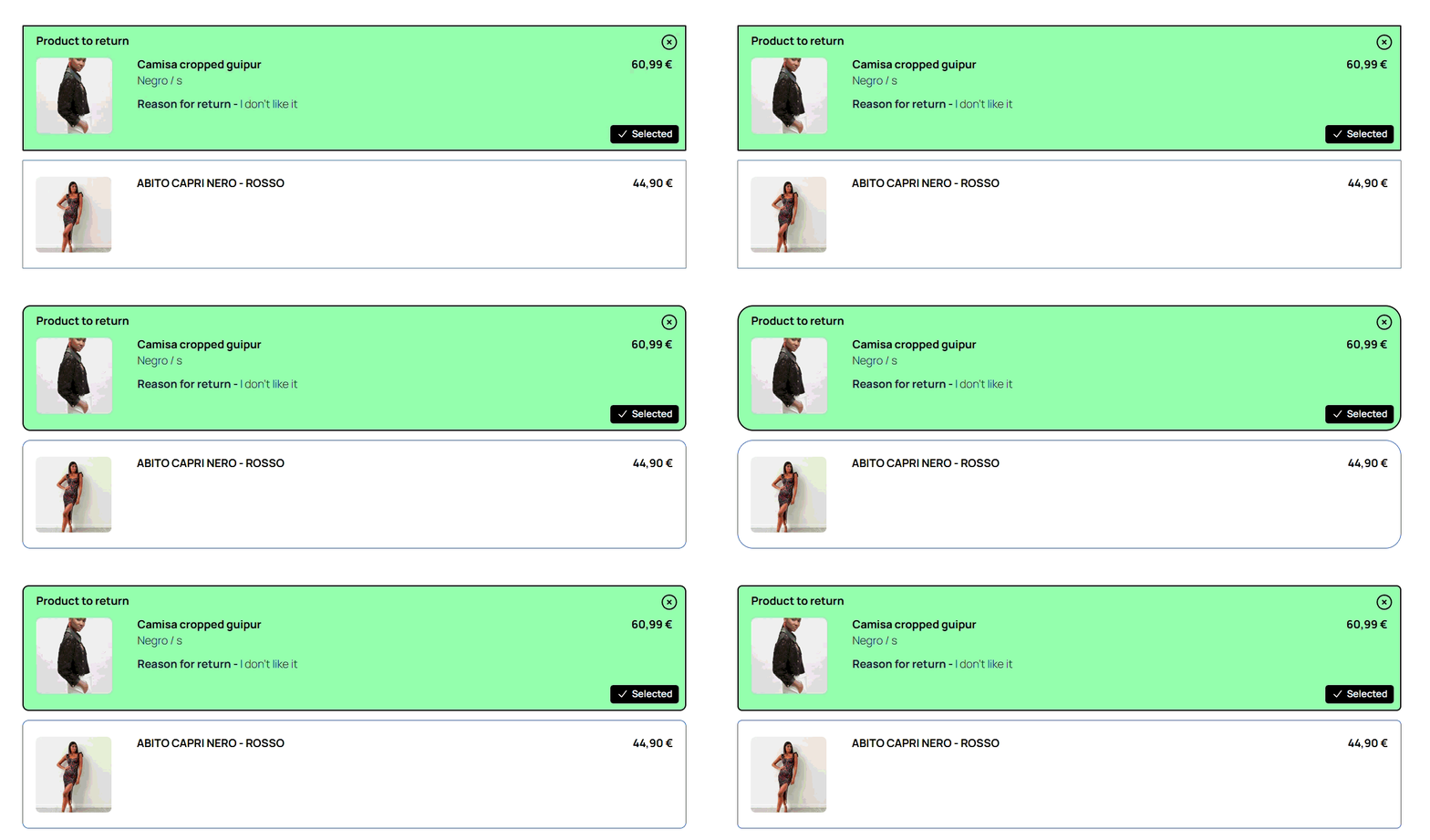
- Change product item border radius of selected items -> allows to change the border radius of item that was selected.
Return methods page
Return methods page is a page where customers select a method to return an item. (Carrier for example or return to the shop)
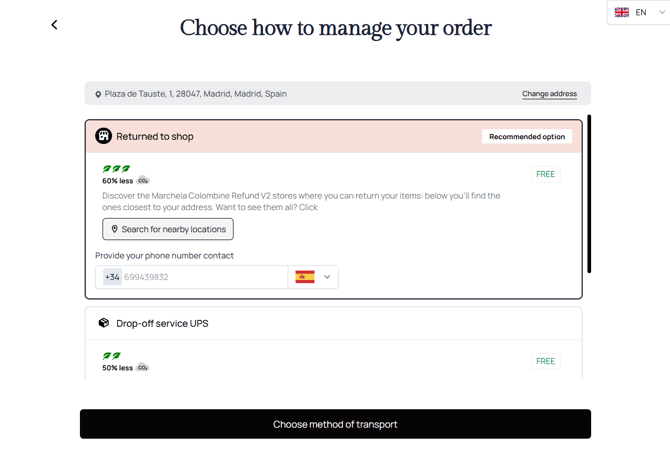
- Let's go one by one and see all available adjustments:
Return methods selection customization
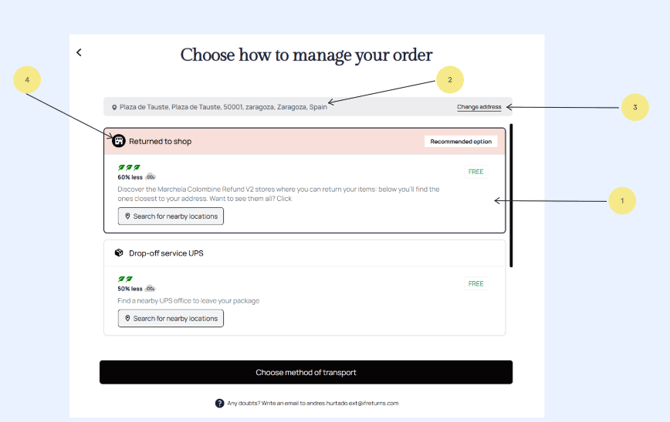
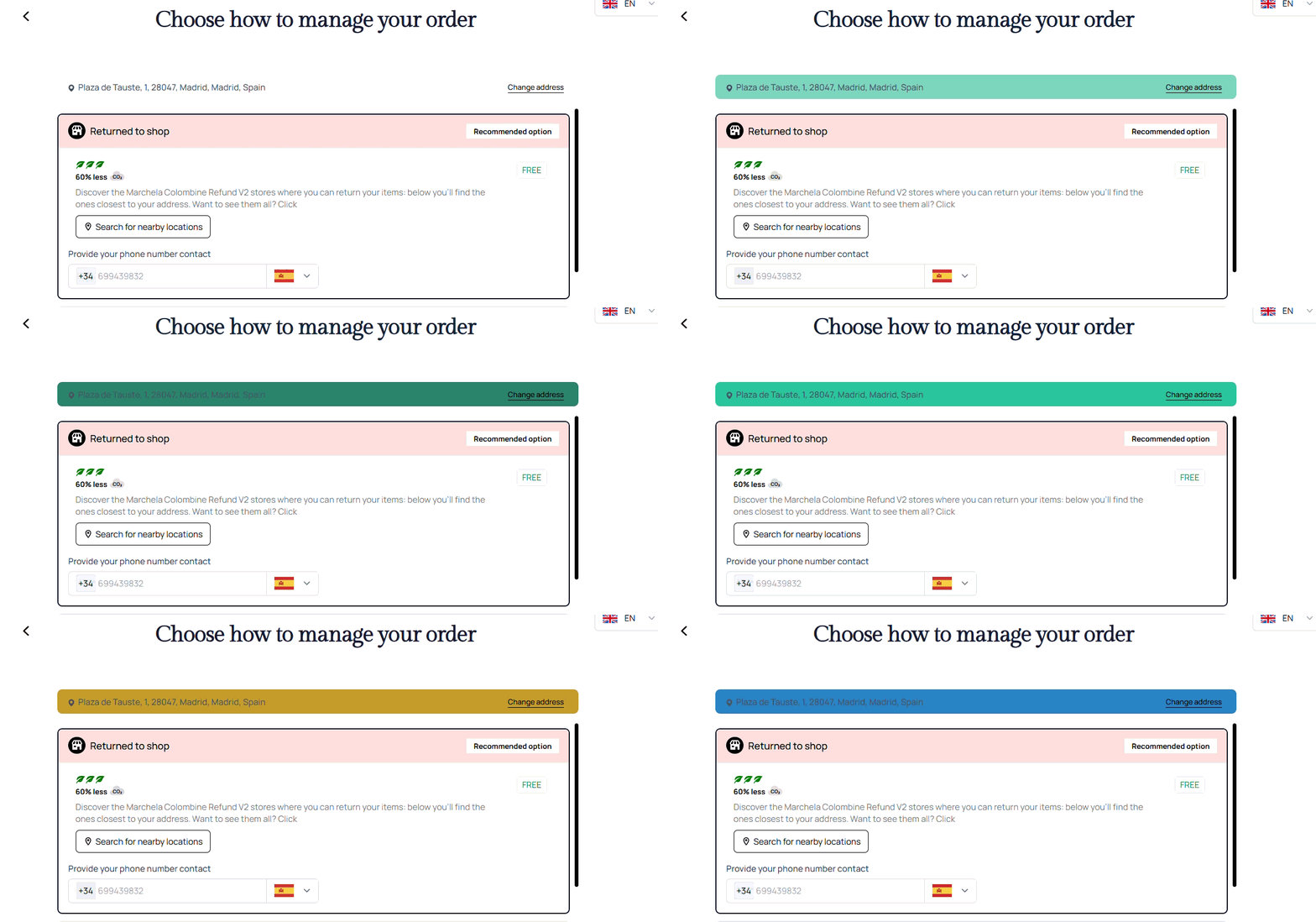
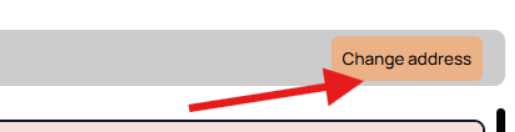
- Address section background color -> clients can modify the color of the address section. See example below:
- Return-method-address-section-text-color -> cant apply changes
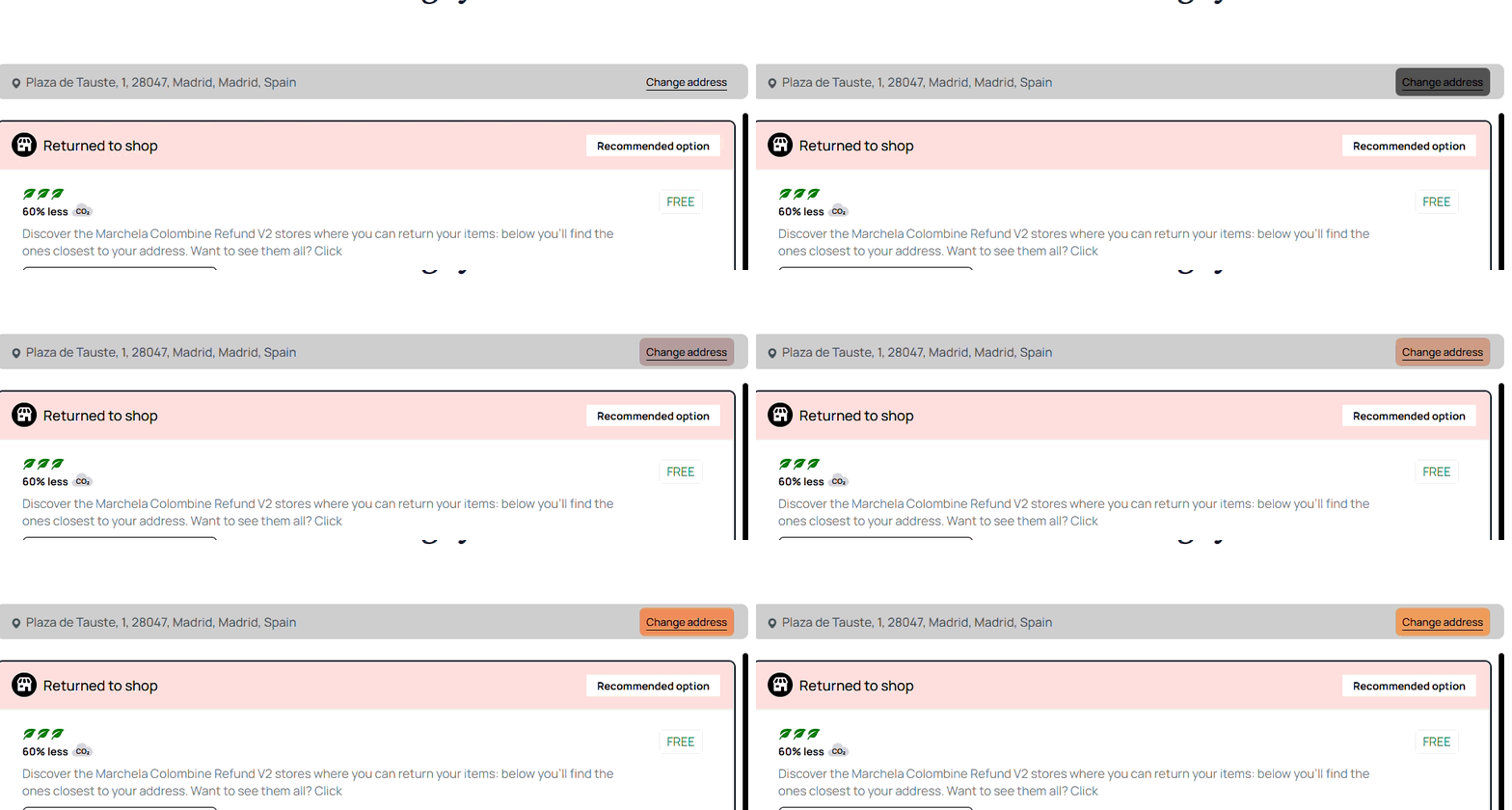
- "Change Address" button background color -> allows to change the background color of "Change address" button.
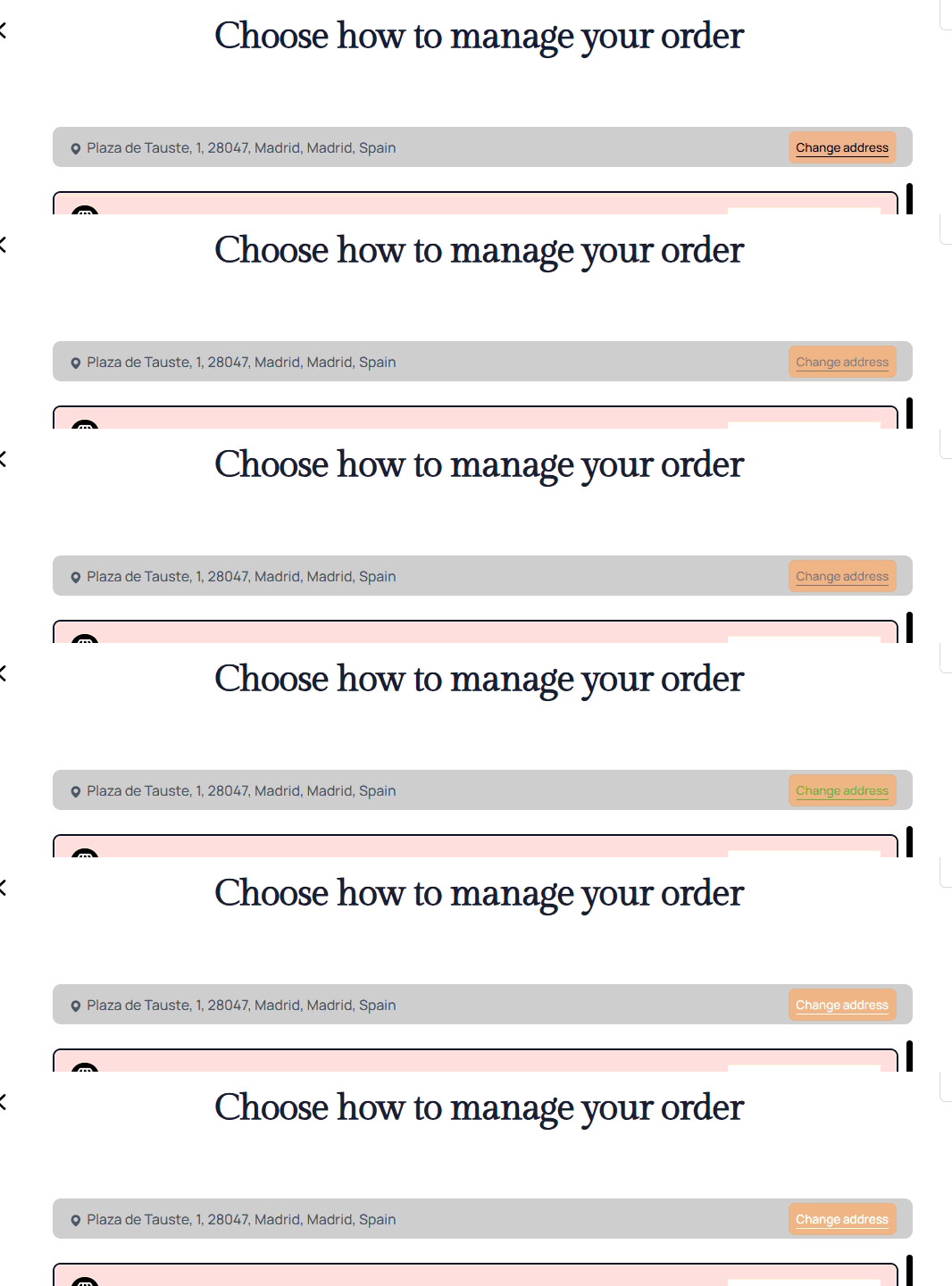
- "Change Address" button text color -> allows to change the text color of "Change address" button.
- "Change Address" button text-decoration-line -> allows to change the text decoration line of "Change address" button.
- You can either hide the line or display it

Return method general options
-
return-method-item-option-description-address-text-color -> cant change it, when we have a lot of addres
-
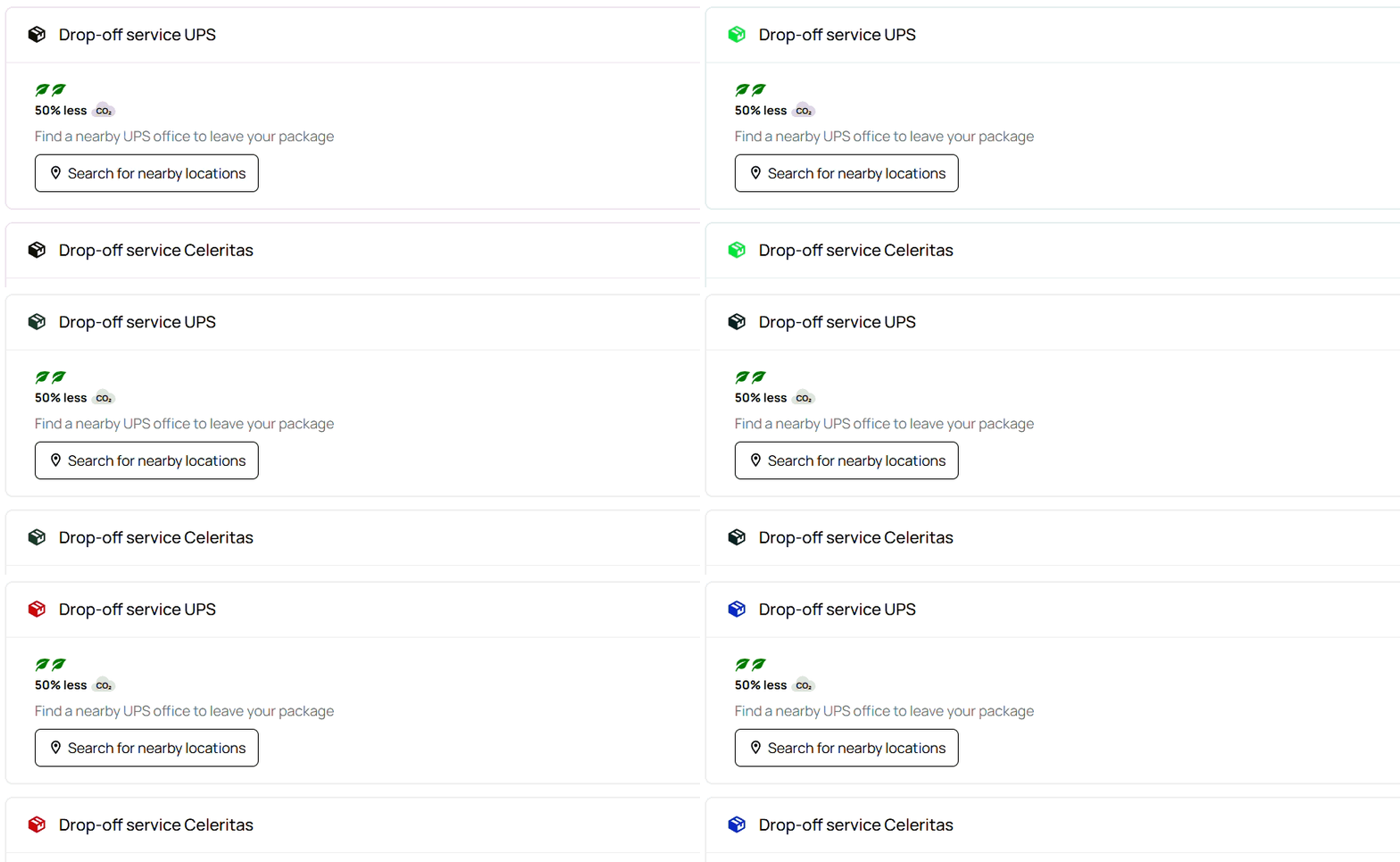
Change icons color -> allows to set the color of general icon.
-
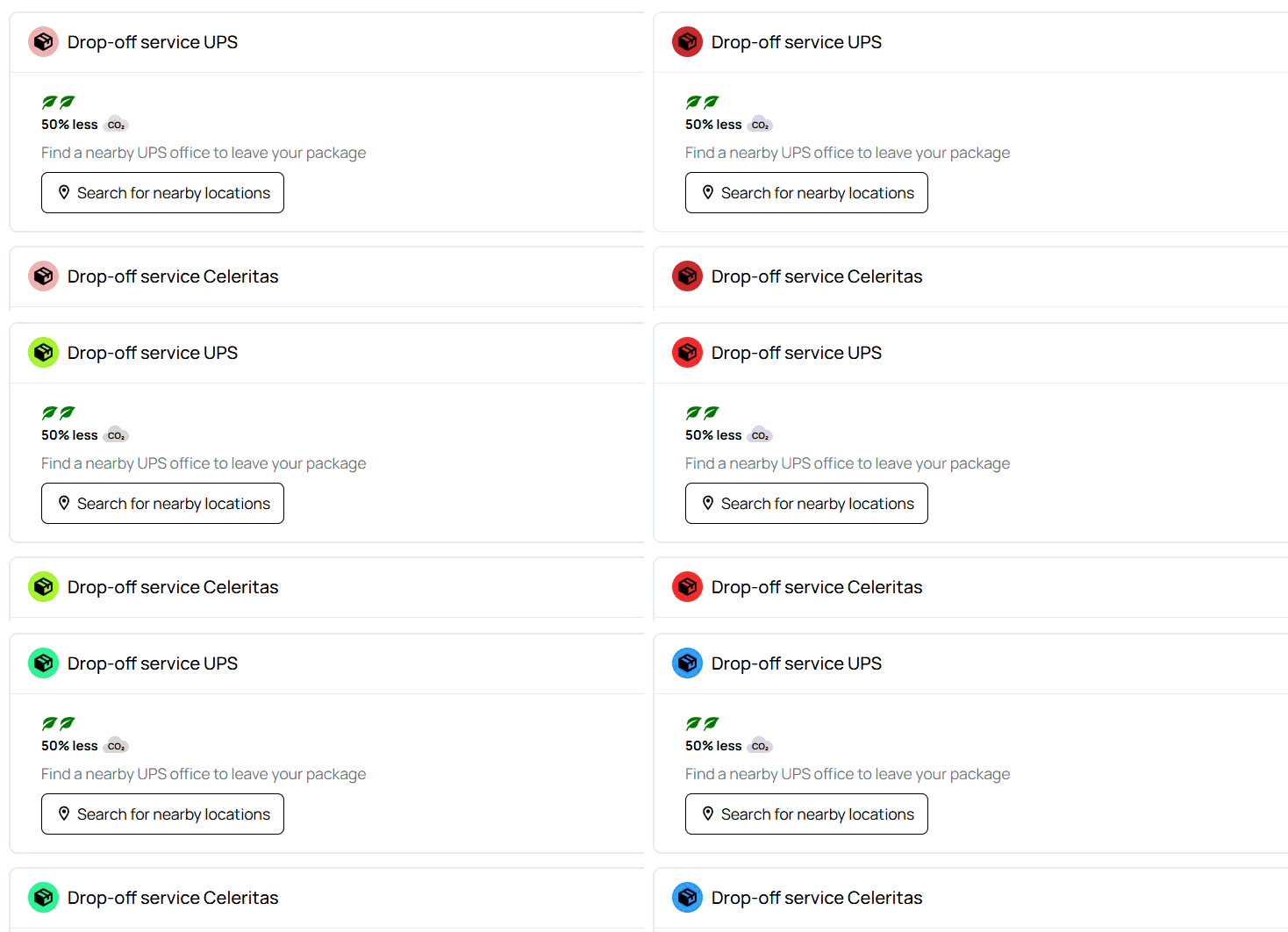
Change icons background color -> allows to set the background color of general icon.
-
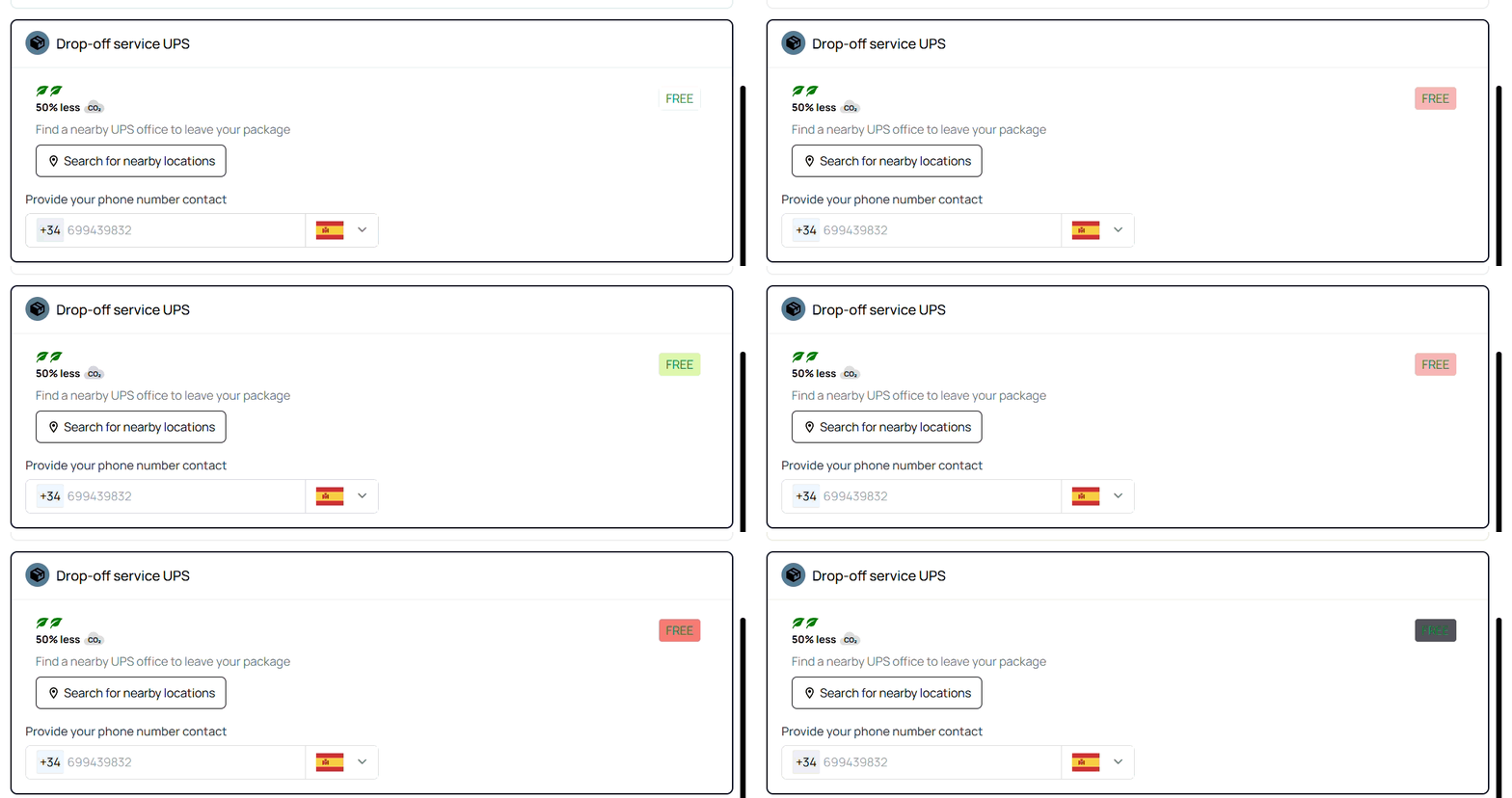
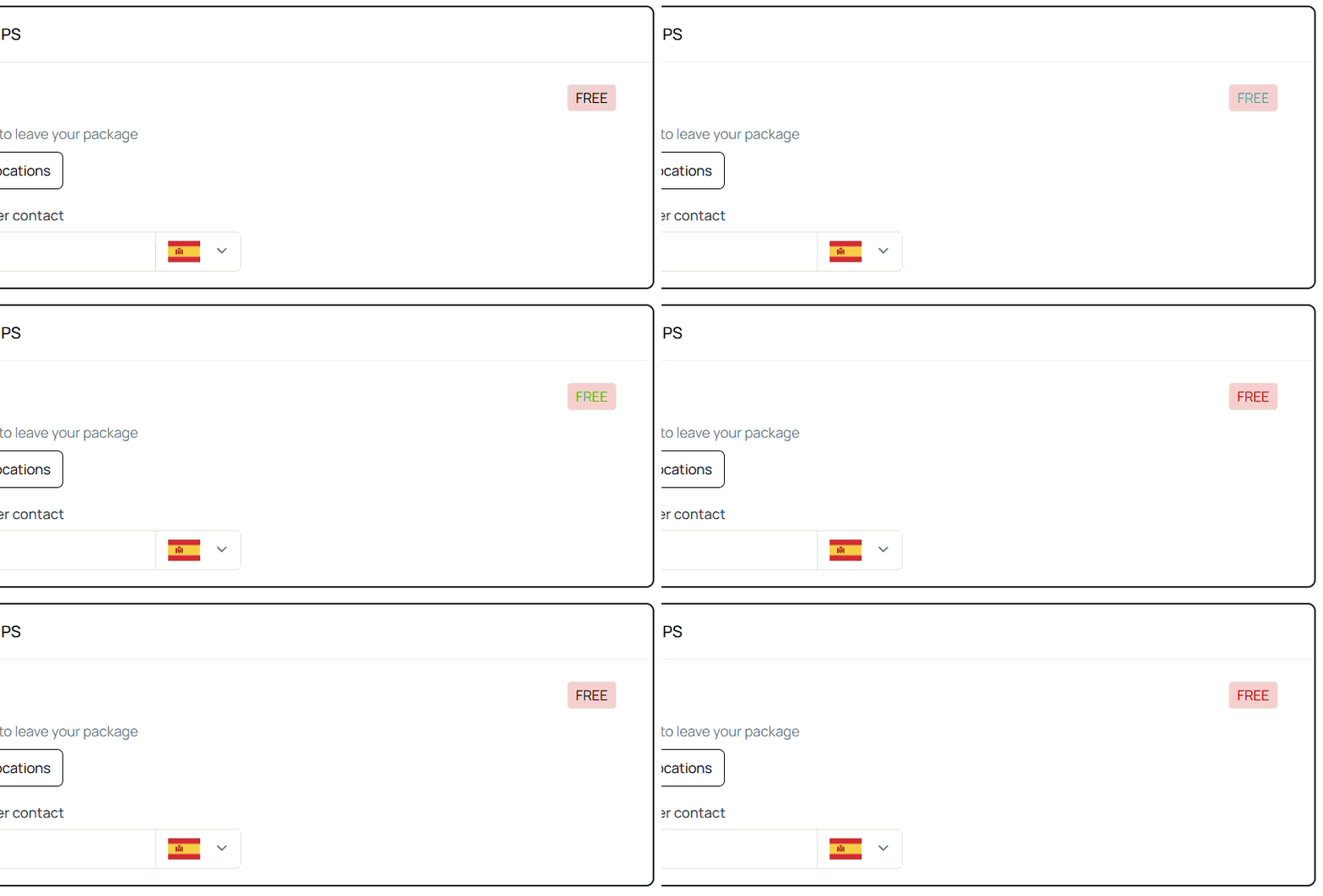
Change background color of "FREE" tag -> allows to set the background color of "FREE" tag
-
Change text color of "FREE" tag -> allows to set the text color of "FREE" tag
-
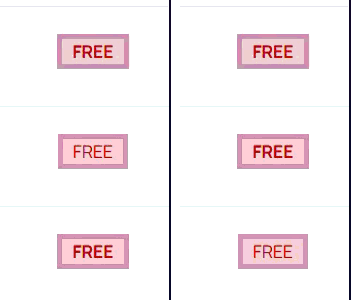
Change font weight of "FREE" tag -> allows to set the font weight of "FREE" tag
- Values range from 100 to 900, in increments of 100:
- 100: Thin or Hairline
- 200: Extra Light or Ultra Light
- 300: Light
- 400: Normal
- 500: Medium
- 600: Semi Bold or Demi Bold
- 700: Bold
- 800: Extra Bold or Ultra Bold
- 900: Black or Heavy
- Values range from 100 to 900, in increments of 100:
-
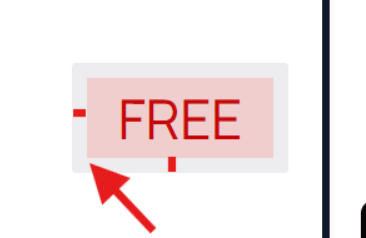
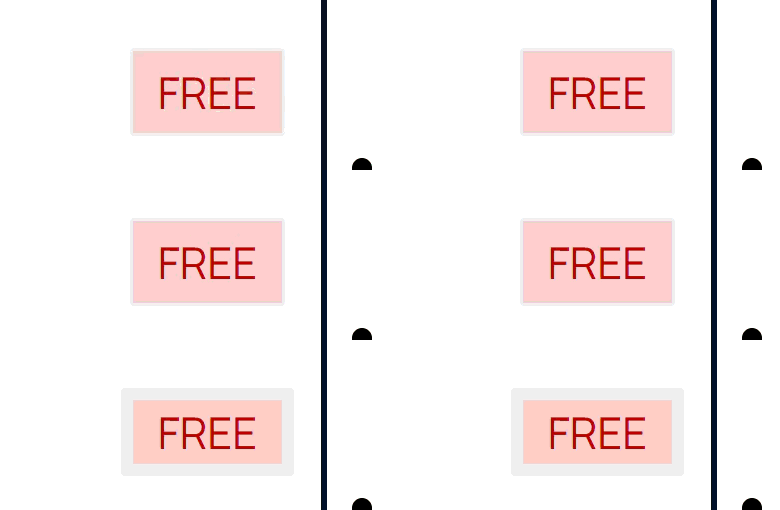
Change border width of "FREE" tag -> allows to set the border width of "FREE" tag
-
Change border width color of "FREE" tag -> allows to set the border width color of "FREE" tag
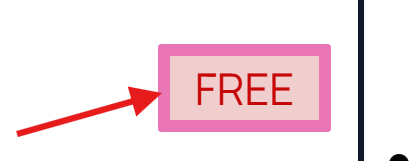
-
Change border radius of "FREE" tag -> allows to set the border radius of "FREE" tag
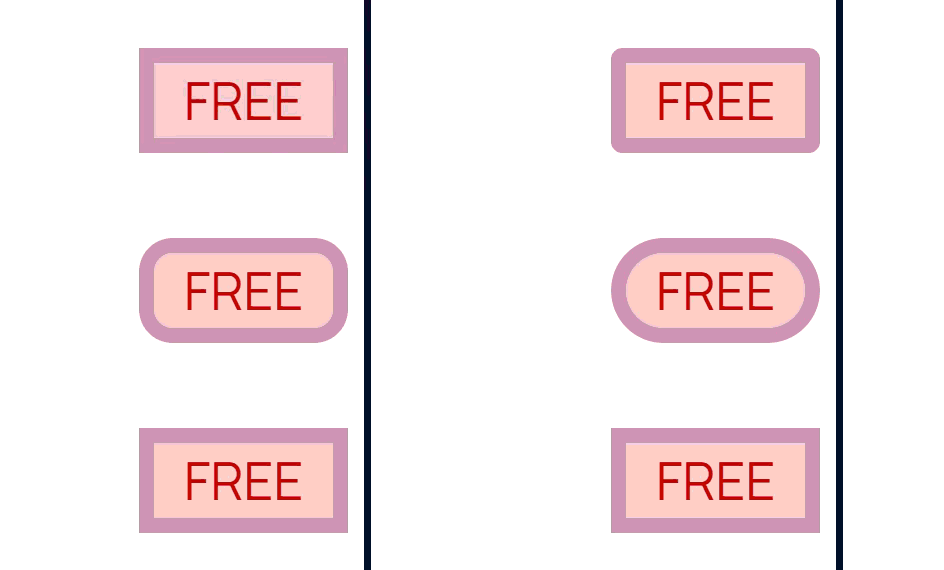
Return method recommended section
-
Change background color of recommended option header -> allows to change the background color of header
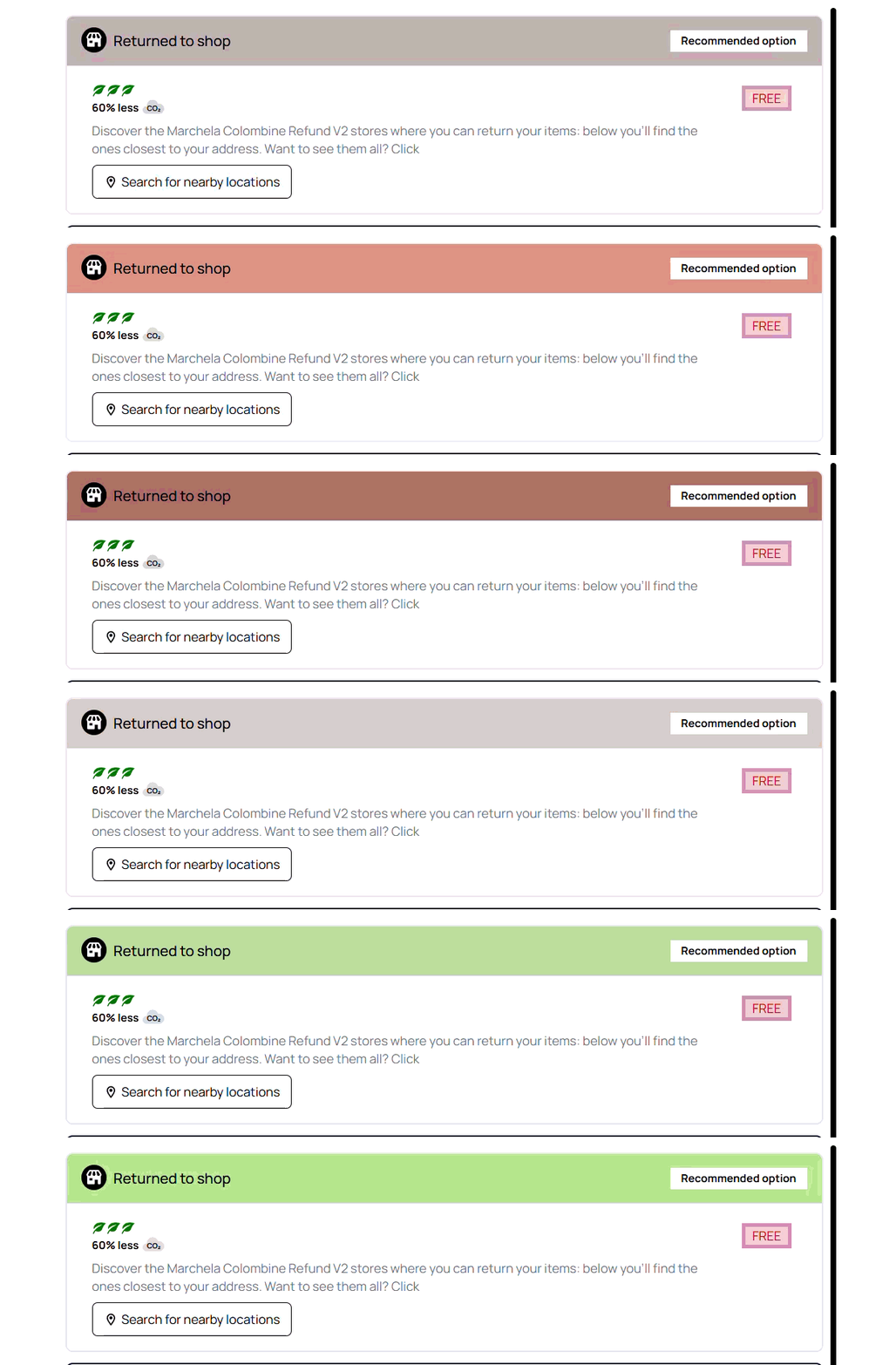
-
Change icon color of recommended option -> allows to change the icon color
NOTE: There is a difference between general icon and recommended option icon. They are handled separately.
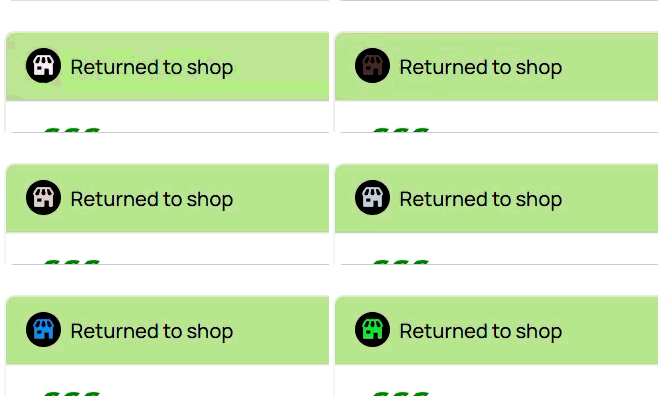
-
Change background color of icon -> allows to change the background color of icon.
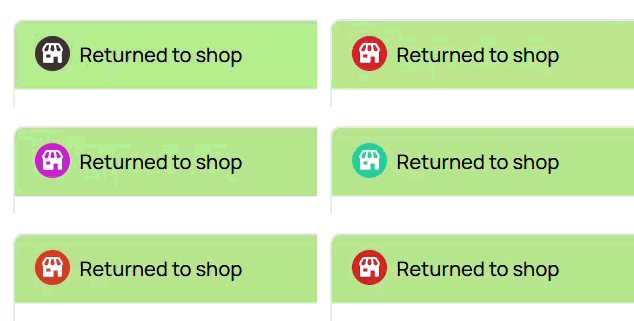
-
Change text color of header -> allows to change the text color of "Returned to shop" text in the header.
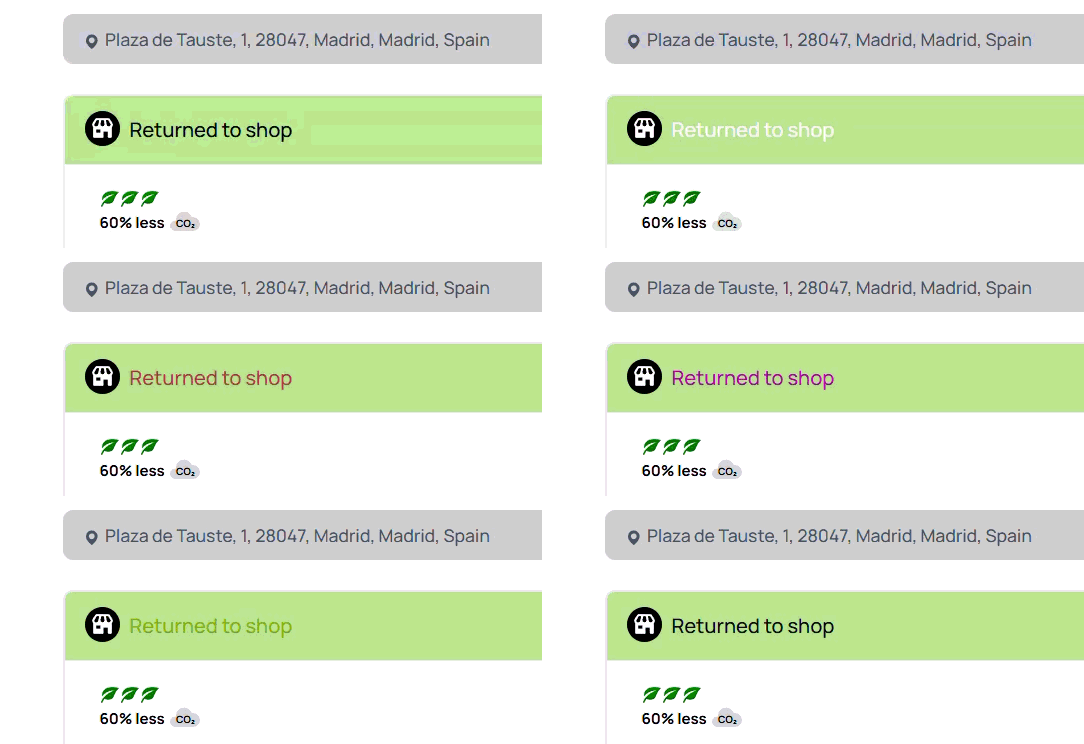
-
Change background color of "Recommended option" tag -> allows to change the background color of "Recommended option" tag
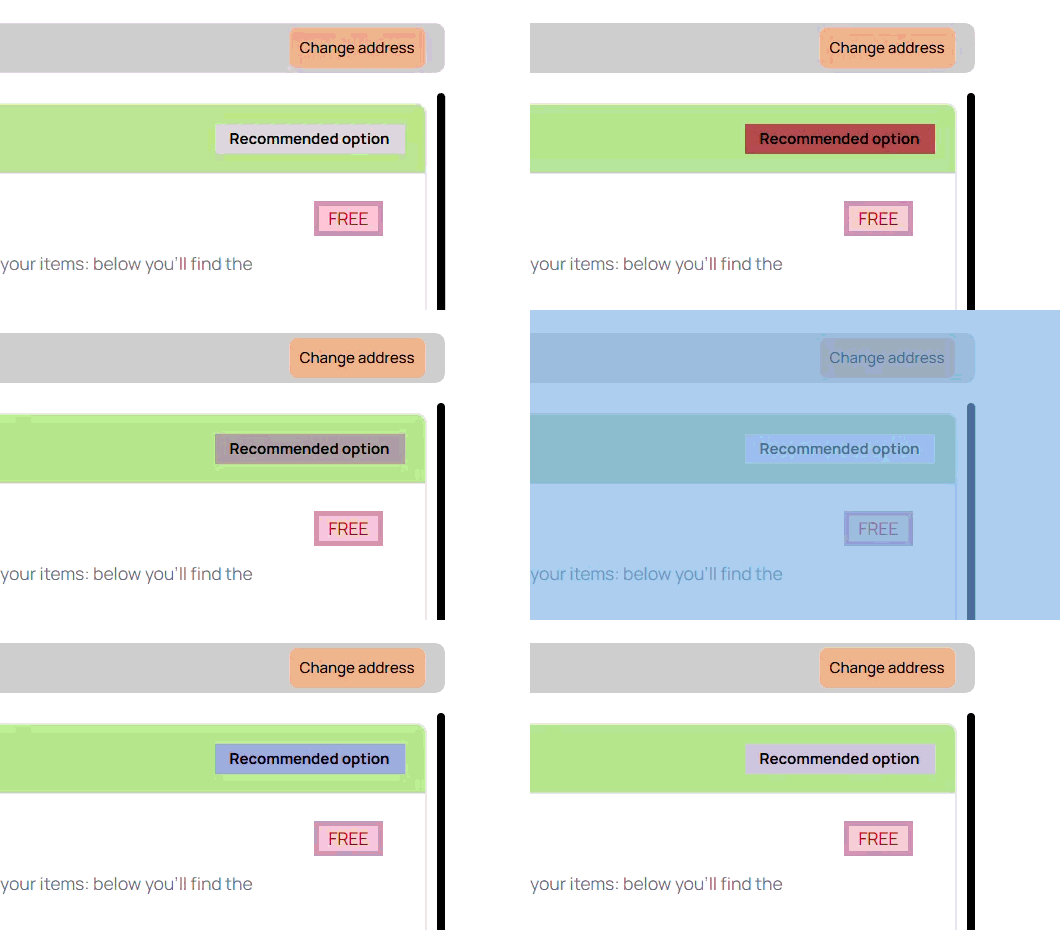
-
Change text color of "Recommended option" tag -> allows to change the text color of "Recommended option" tag

-
Change border radius of "Recommended option" tag -> allows to change the border radius of "Recommended option" tag
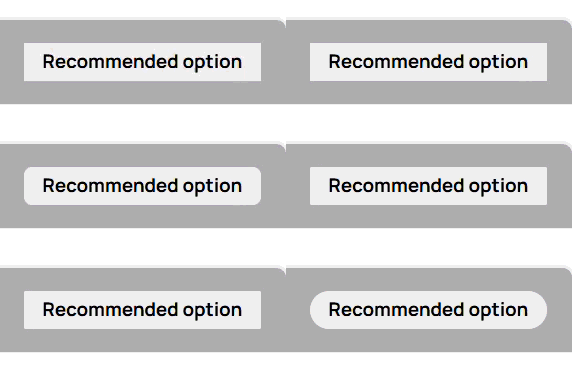
Return confirmation page
Is a page that appears once a customer confirms and creates a return order
- This is what clients can customize:
Return confirmation customization
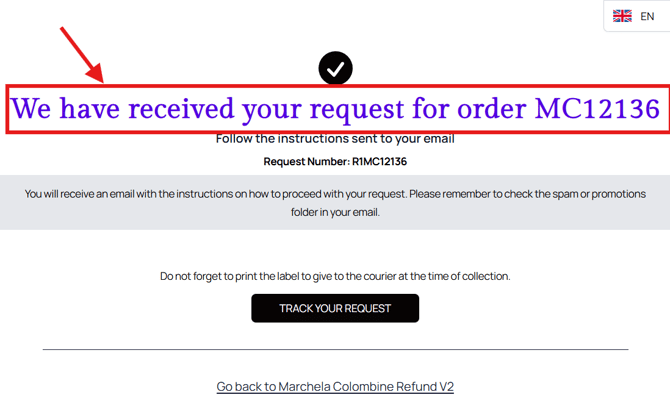
- Confirmation title color -> allows to change color of title
- --return-confirmation-shopping-method-text-color -> cant find it
- --return-confirmation-shopping-method-description-text-color -> cant find it
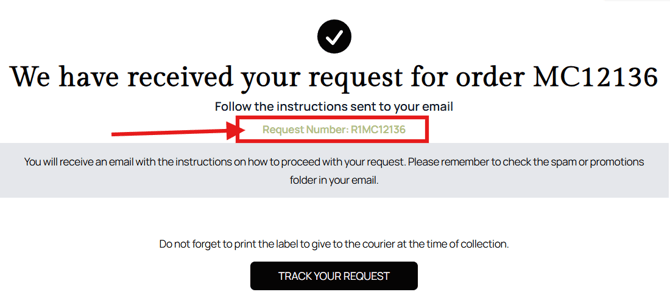
- Return number text color -> allows to change the color if return number text
Return completed
-
return-completed-feedback-text-color -> cant find
-
-return-completed-feedback-icon-display: none; -> cant find
Tracking Page
Tracking page is a page that appears after a return order is created by customer.
- Let's have a look at what client can customize:
Tracking order general customization
- Tracking order card background color -> allows to change the background color of whole card. At this moment it is not possible to change color of every section separately.
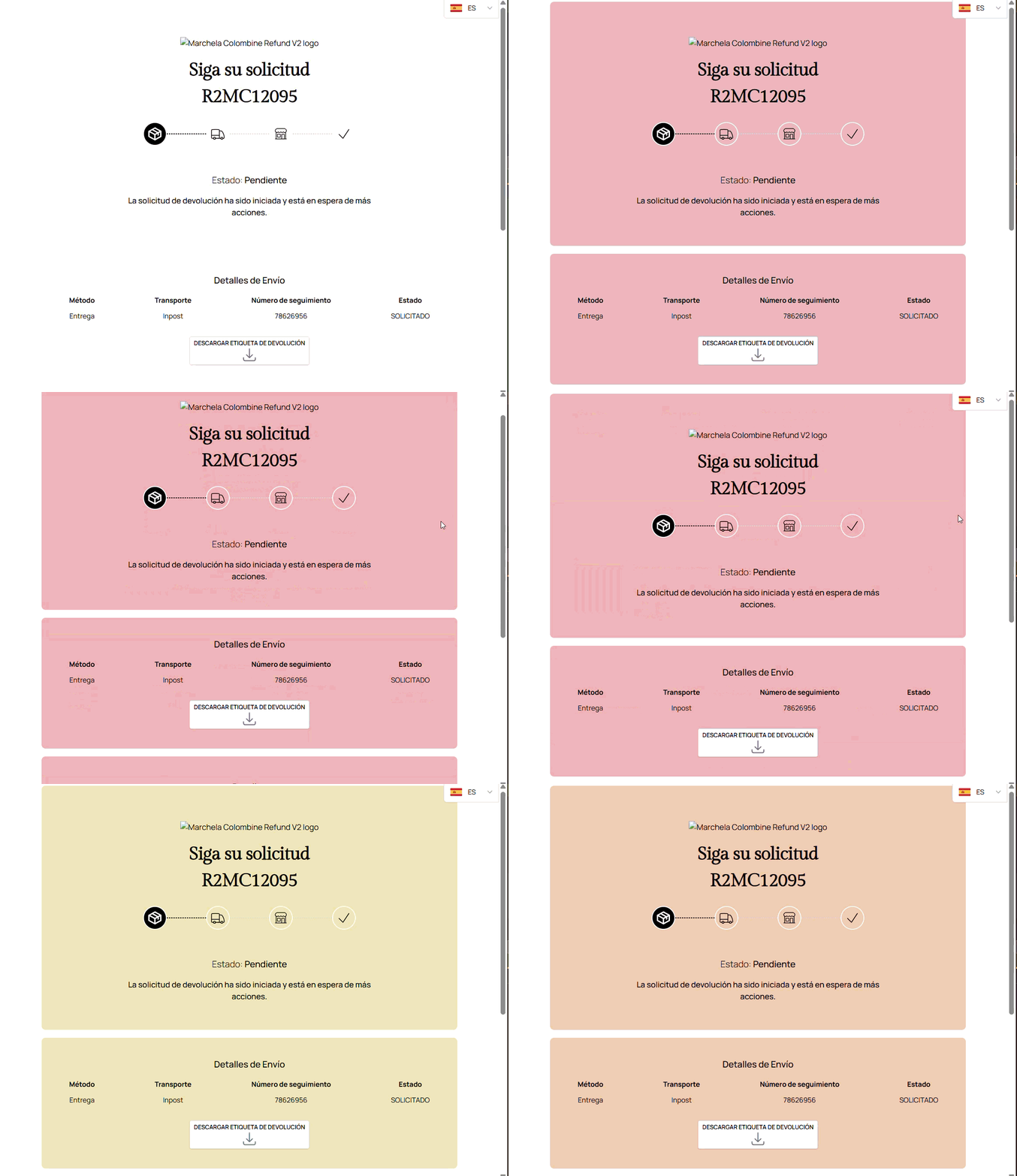
- --tracking-order-card-shadow -> dont know how to snow
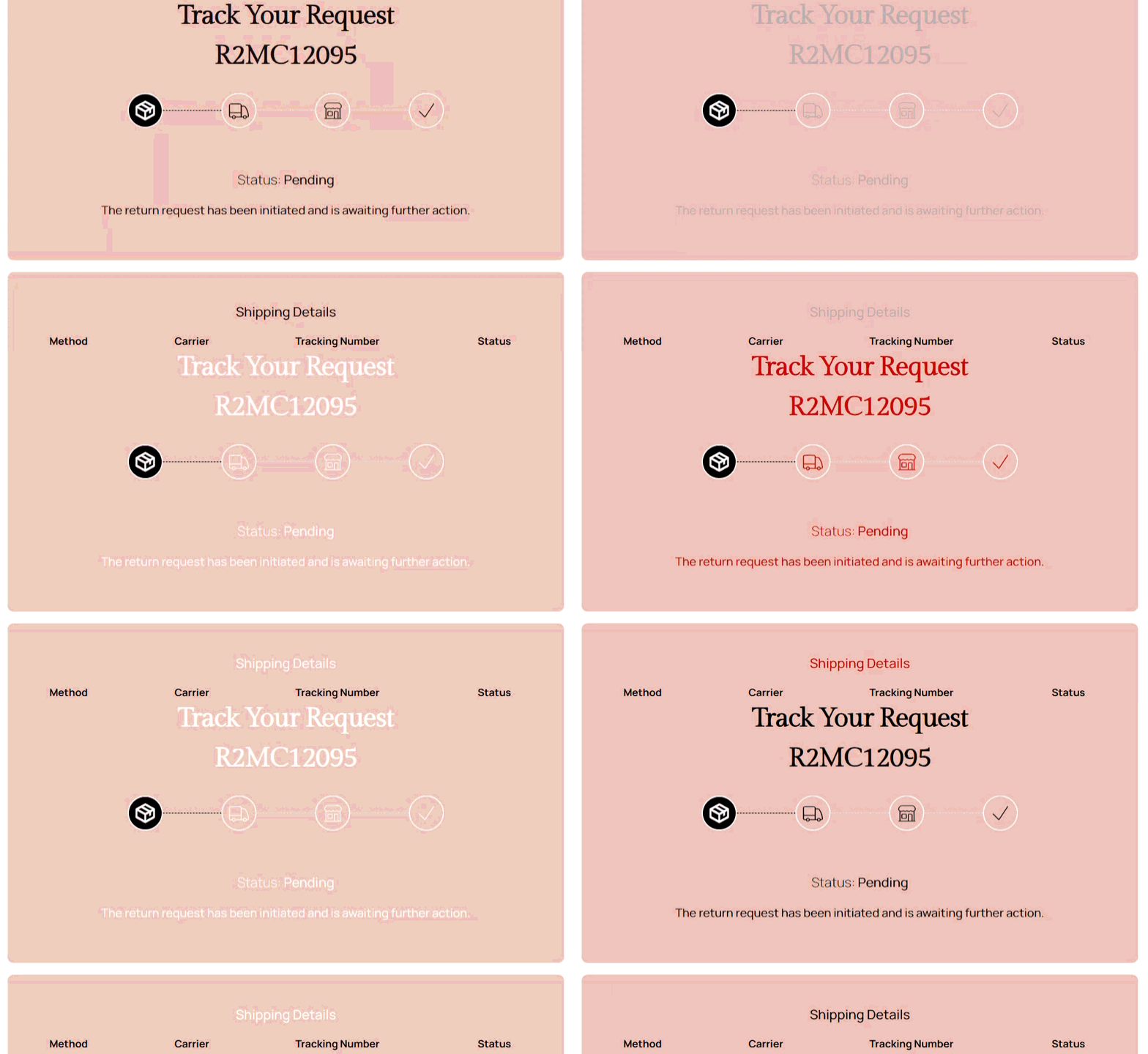
- Tracking order text color -> allows to change the text color
NOTE: There are some variables that are over the general variable and thus some parameters will not be affected
Shipping details
- Shipping details "Method" title color -> allows to change the color of "Method" title
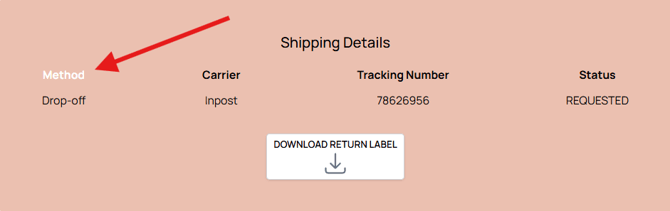
- --tracking-order-shipping-details-method-description-color -> cant apply changes -
return-method-item-option-description-schedule-text-color
- Shipping details "Carrier" title color -> allows to change the color of "Carrier" title
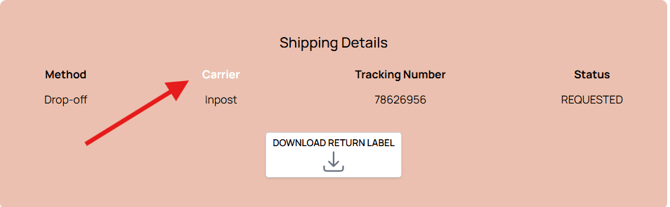
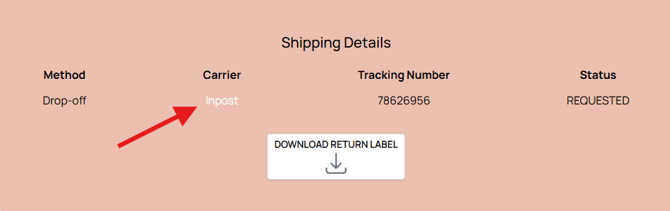
- Shipping details "Carrier" description color -> allows to change the color of "Method" title
- Shipping details "Tracking Number" title color -> allows to change the color of "Tracking Number" title
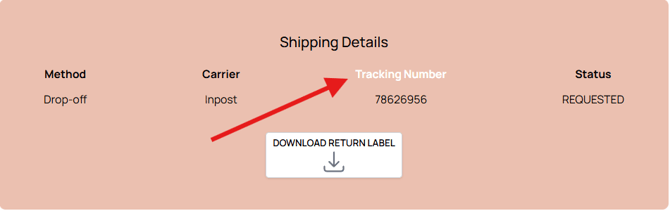
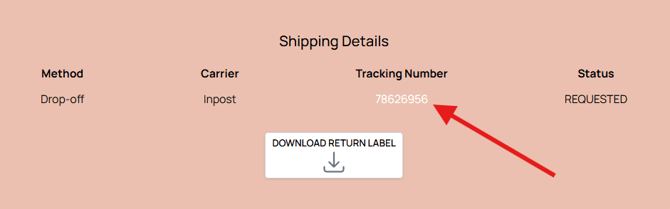
- Shipping details "Tracking Number" description color -> allows to change the color of "Tracking Number" description
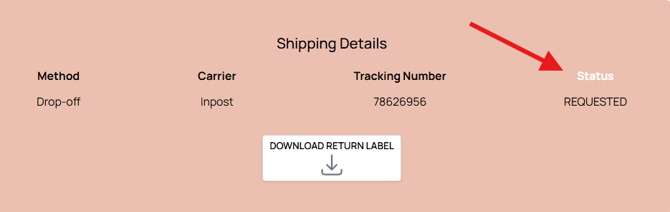
- Shipping details "Status" title color -> allows to change the color of "Status" title
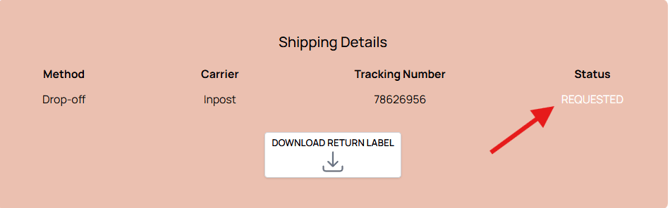
- Shipping details "Status" description color -> allows to change the color of "Status" description
Return details
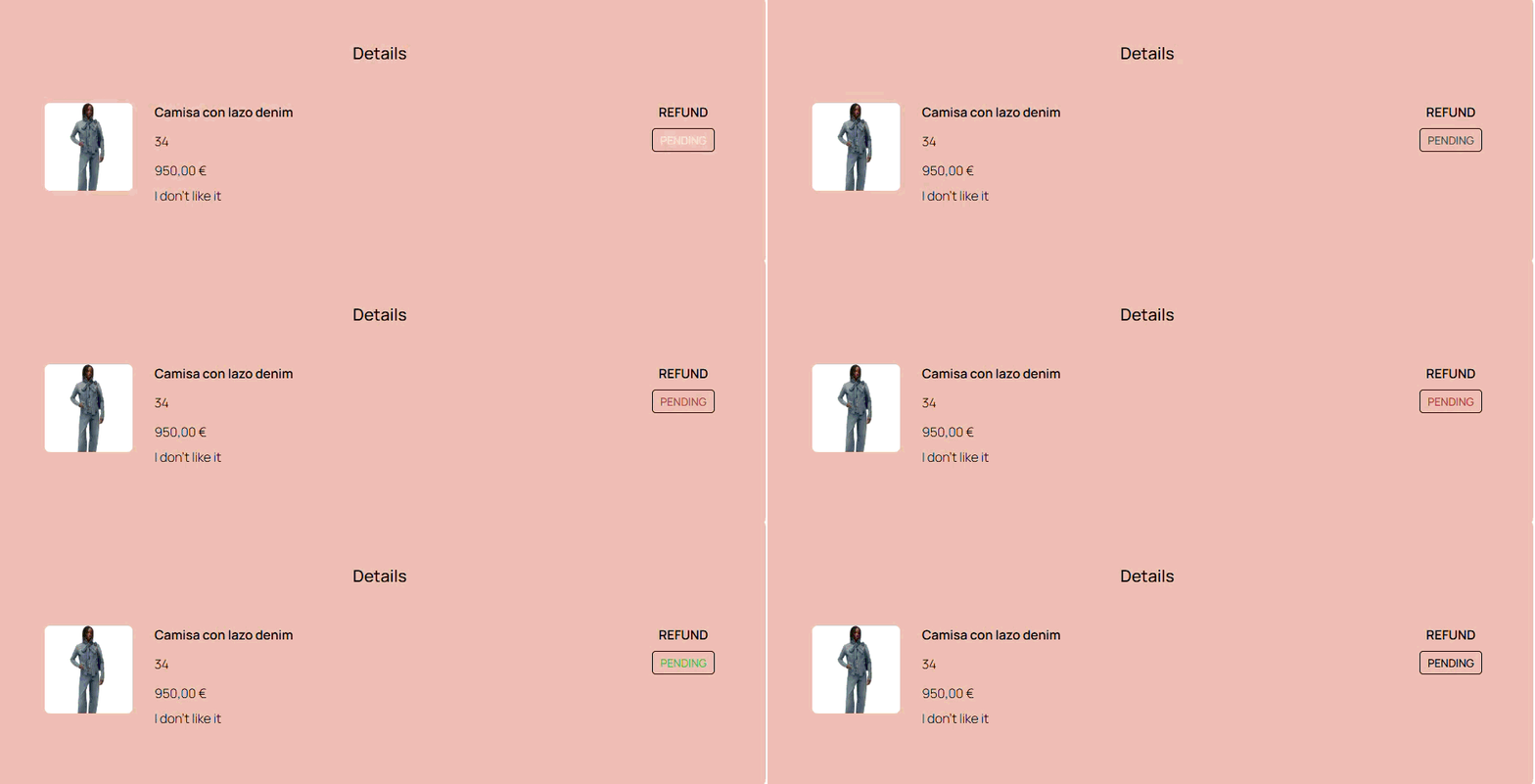
- Return details Tag status background color -> allows to change the background color of the refund Tag
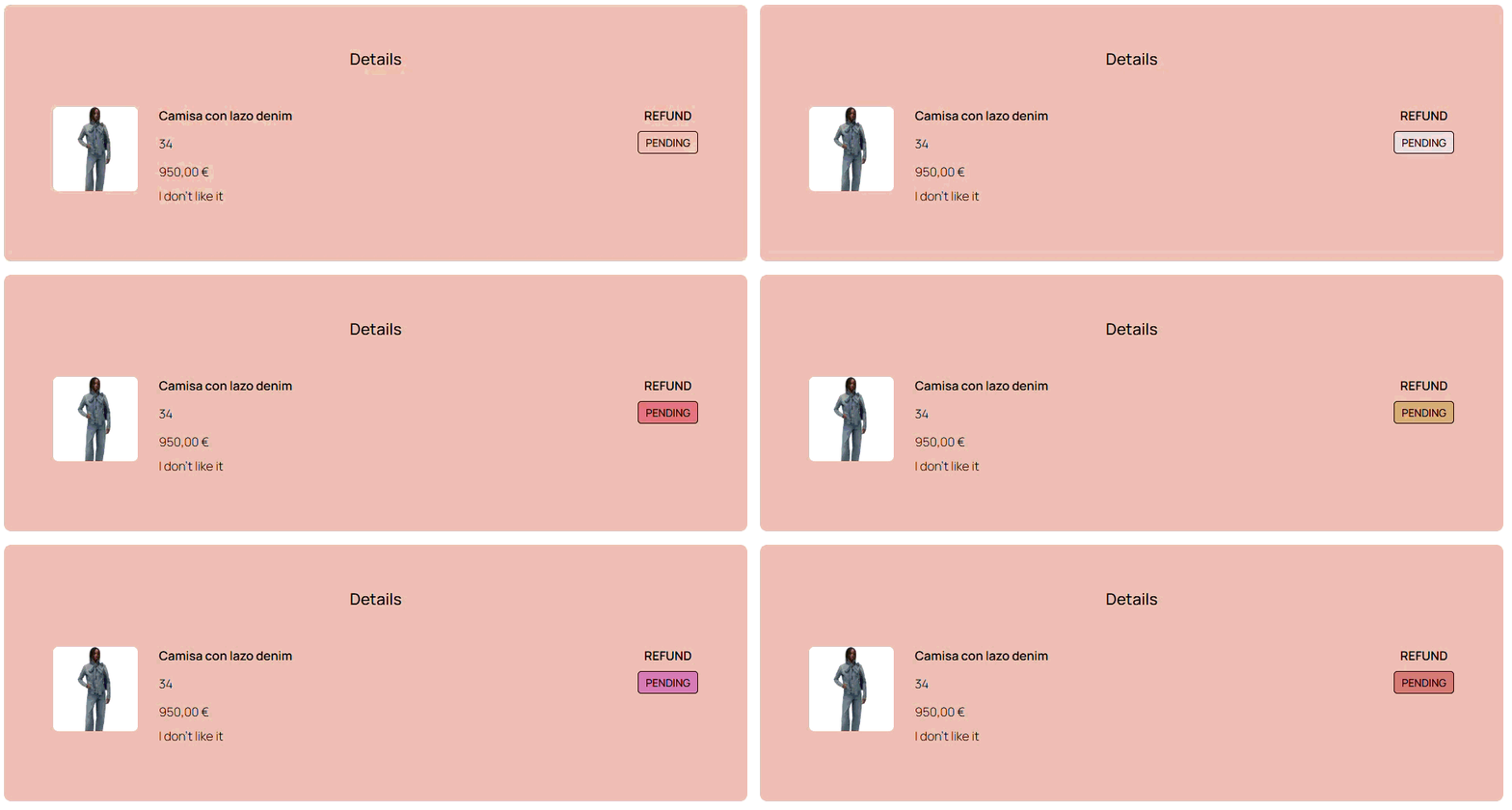
- Return details refund Tag status text color -> allows to change the text color of the refund Tag
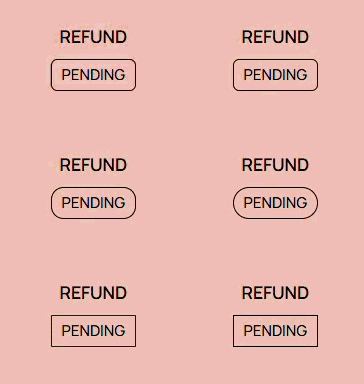
- Return details refund Tag status border radius -> allows to change the border radius of the refund Tag
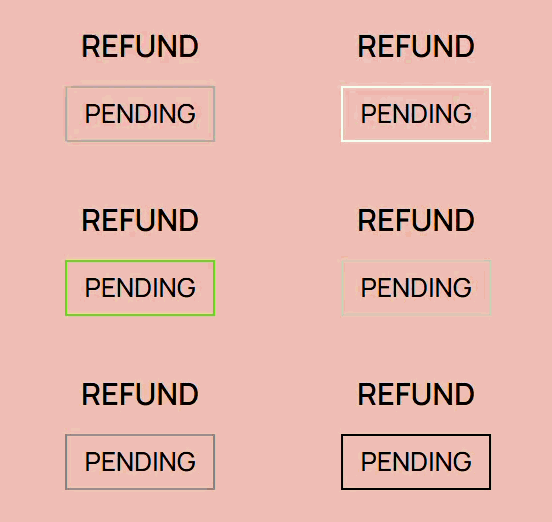
- Return details refund Tag status border color -> allows to change the border color of the refund Tag
Resolutions details
- Resolutions details Tag status background color -> allows to change the background color of the Tag

- Resolutions details Tag status text color -> allows to change the text color of the Tag

- Resolutions details Tag status border radius -> allows to change the border radius of the Tag
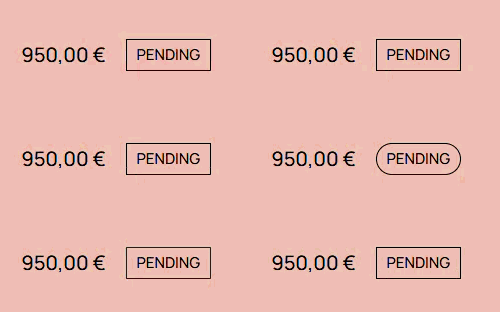
- Resolutions details Tag status border color -> allows to change the border color of the Tag